


DJ workflow
guides.
Analyze your music, choose compatible tracks and prepare your next set. Practical guides for Mixed In Key Standard and Pro.
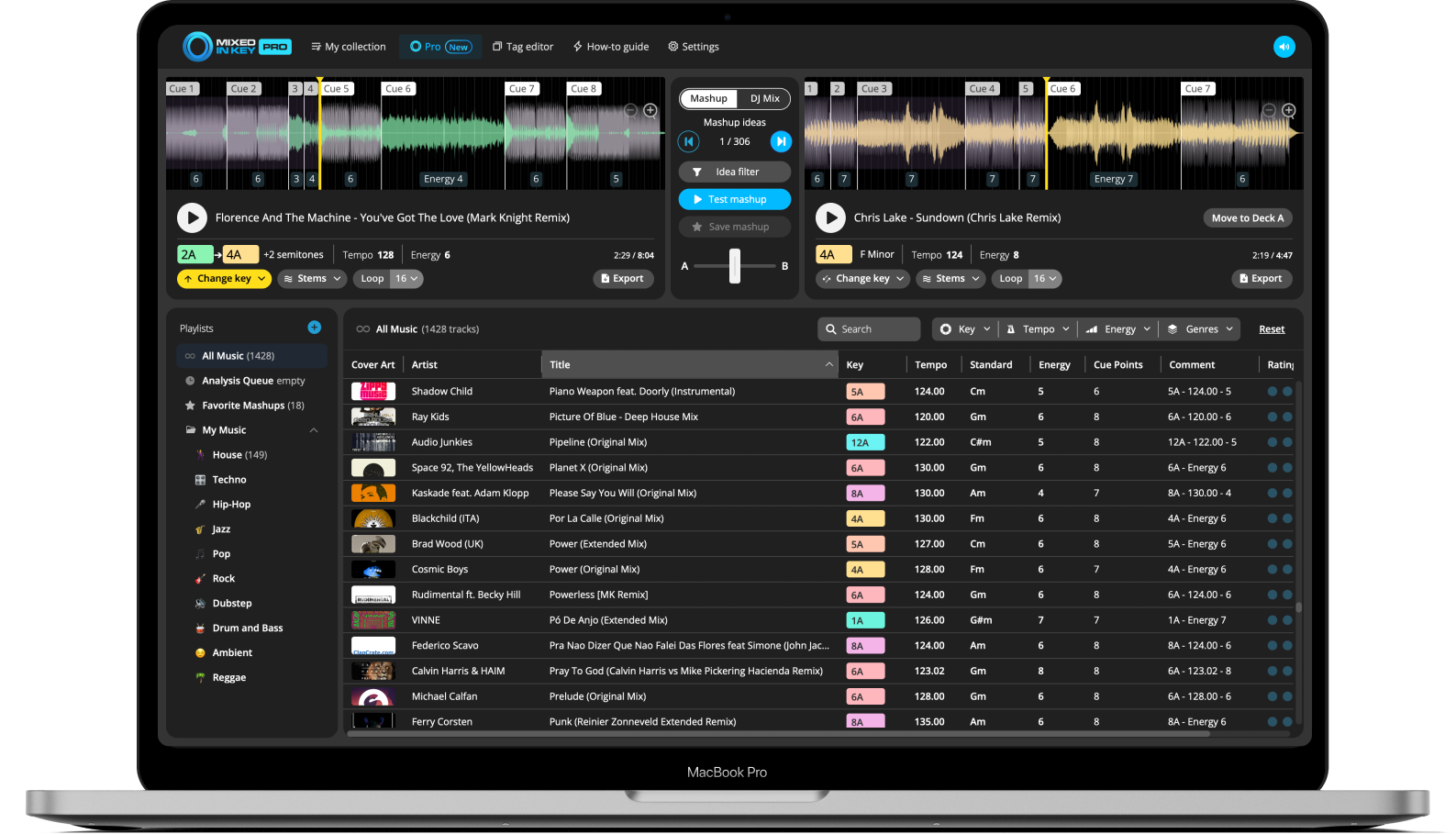
Featured workflows
Start with key selection, library analysis or a mashup idea.


All DJ workflow guides
Browse by topic or search for the task you want to finish.
34 workflow guides
What Is Mixed In Key?
Understand how Mixed In Key helps DJs analyze key, BPM, energy level, cue points, and library metadata.
How to Use Mixed In Key
Analyze your music, review key and BPM results, write tags, and prepare tracks for your DJ sets.
How Mixed In Key Helps DJs Prepare Better Sets
Use key, BPM, energy, and cue points to make faster decisions while preparing playlists.
How to Mix in Key
Learn the basic harmonic mixing rules DJs use to choose compatible tracks.
How to Use the Camelot Wheel
Use Camelot numbers and letters to find compatible songs quickly.
How to Find Songs That Work Well Together
Compare key, BPM, and energy so your next track feels intentional.
How to Build a Harmonic DJ Set
Plan a set that moves smoothly through compatible keys and energy levels.
How to Avoid Clashing Keys in a DJ Mix
Learn when keys are likely to clash and how to pick safer transitions.
How to Change Energy With the Camelot Wheel
Use harmonic movement to make a set feel like it is lifting, cooling down, or changing direction.
How to Analyze Your Music Library
Scan folders or playlists so Mixed In Key can detect key, BPM, energy, and cue points.
How to Add Key and BPM Tags to Your Songs
Write key and BPM information into your music files so it appears in your DJ workflow.
How to Organize Your DJ Library by Key, BPM, and Energy
Use track analysis to sort, filter, and prepare your music more efficiently.
How to Prepare New Music Before a Gig
Analyze new downloads and make them easier to use before your next set.
How to Use Energy Level Detection
Use energy values to plan warmups, peak-time moments, and smoother set progression.
How to Fix Missing Key or BPM Tags
Check settings and file tagging options if key or BPM results are not showing where expected.
How to Export Cue Points to Rekordbox
Move cue points from Mixed In Key into Rekordbox for faster track preparation.
How to Use Mixed In Key With Rekordbox
Prepare tracks in Mixed In Key and use the results inside your Rekordbox library.
How to Use Mixed In Key With Serato
Use Mixed In Key analysis results while preparing music for Serato DJ sets.
How to Use Mixed In Key With Traktor
Analyze your tracks and bring useful key and BPM information into Traktor workflows.
How to Build Better DJ Playlists
Use analysis data to group tracks by vibe, key, BPM, and energy.
How to Plan a DJ Set With Harmonic Mixing
Map out a set that moves smoothly through compatible songs and energy levels.
How to Sort Songs by Energy Level
Use energy detection to find warmup tracks, peak-time songs, and transition moments.
How to Find the Next Song in Your DJ Set
Use key, BPM, and energy to choose a next track that makes sense musically.
What Is Mixed In Key 11 Pro?
Learn what is included in the Pro version and how it fits into a DJ workflow.
How to Use Stems in Mixed In Key Pro
Understand how stem features can help with preparation, remixing, and track analysis.
How to Find Similar Songs in Your Library
Use analysis data to discover tracks that may work well together in playlists or sets.
How to Prepare a Library for Open Format DJing
Organize a wider music library by key, BPM, energy, and set-friendly categories.
How to Make a Mashup With Mixed In Key Pro
Use Mashup Mode to test song combinations, use stems, change Key, save ideas, and export your favorite mashups.
How to Find Mashup Ideas From Your Own Music Library
Find creative mashup combinations from songs you already own using Key, BPM, Energy Level, Cue Points, and Mashup Mode.
How to Make Acapella and Instrumental Mashups
Use stem separation to test vocals over new instrumentals and build cleaner mashup ideas faster.
How to Change Key for Better Mashups
Change the Key on Deck A to generate new Deck B suggestions and discover mashup combinations that would not appear in the original Key.
How to Export Stems for a Mashup
Export full tracks, acapellas, and instrumentals from Mixed In Key Pro so you can finish your mashup in your DAW.
DJ software integration guides
Choose the setup guide for your DJ software and understand the difference between key tags and cue-point export.
Use Mixed In Key with Platinum Notes
Understand where audio processing and key analysis fit when preparing your music library.
No guides match that search. Try a different topic, or use Clear to see all guides.
Explore more guides.
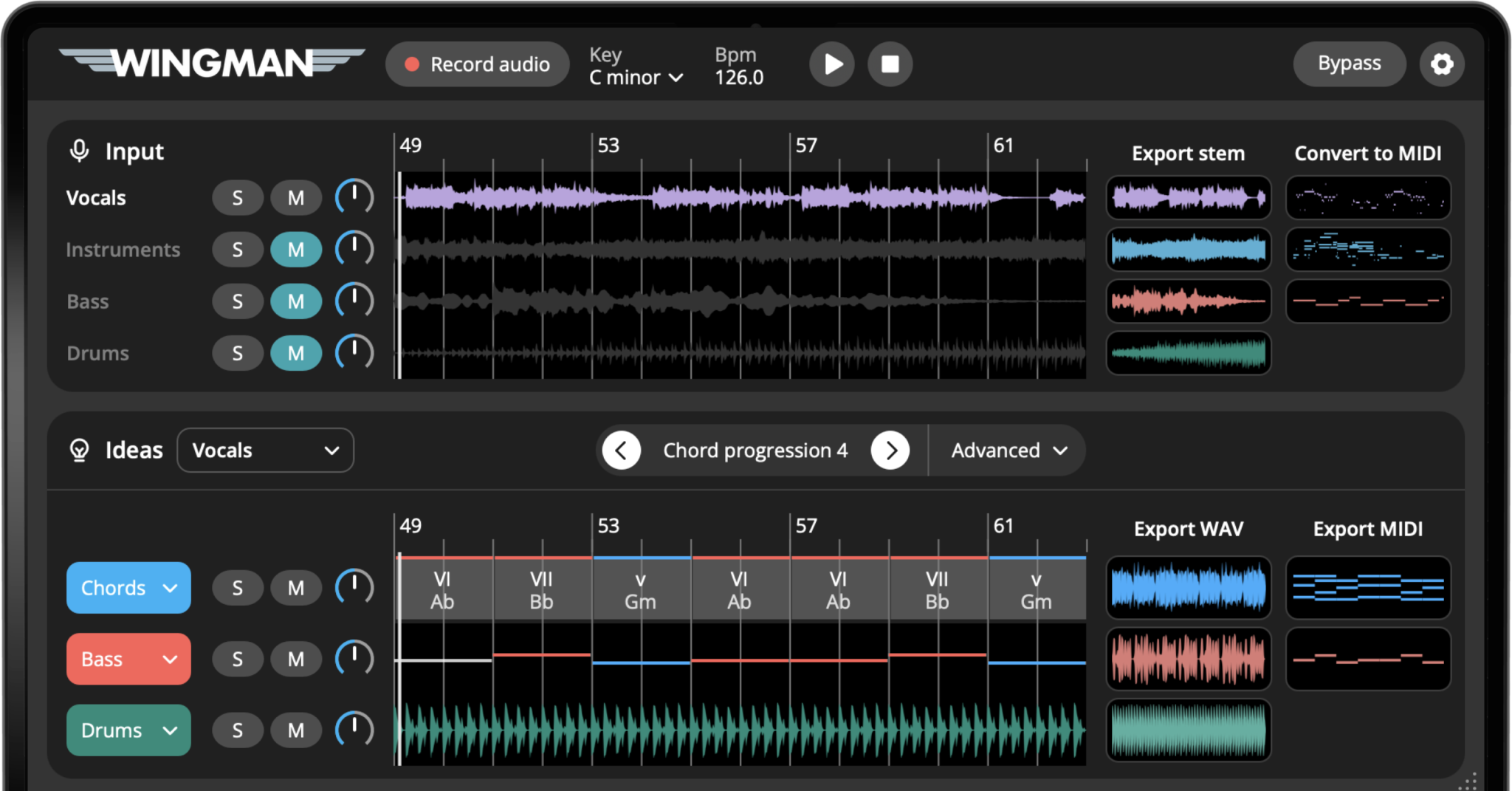
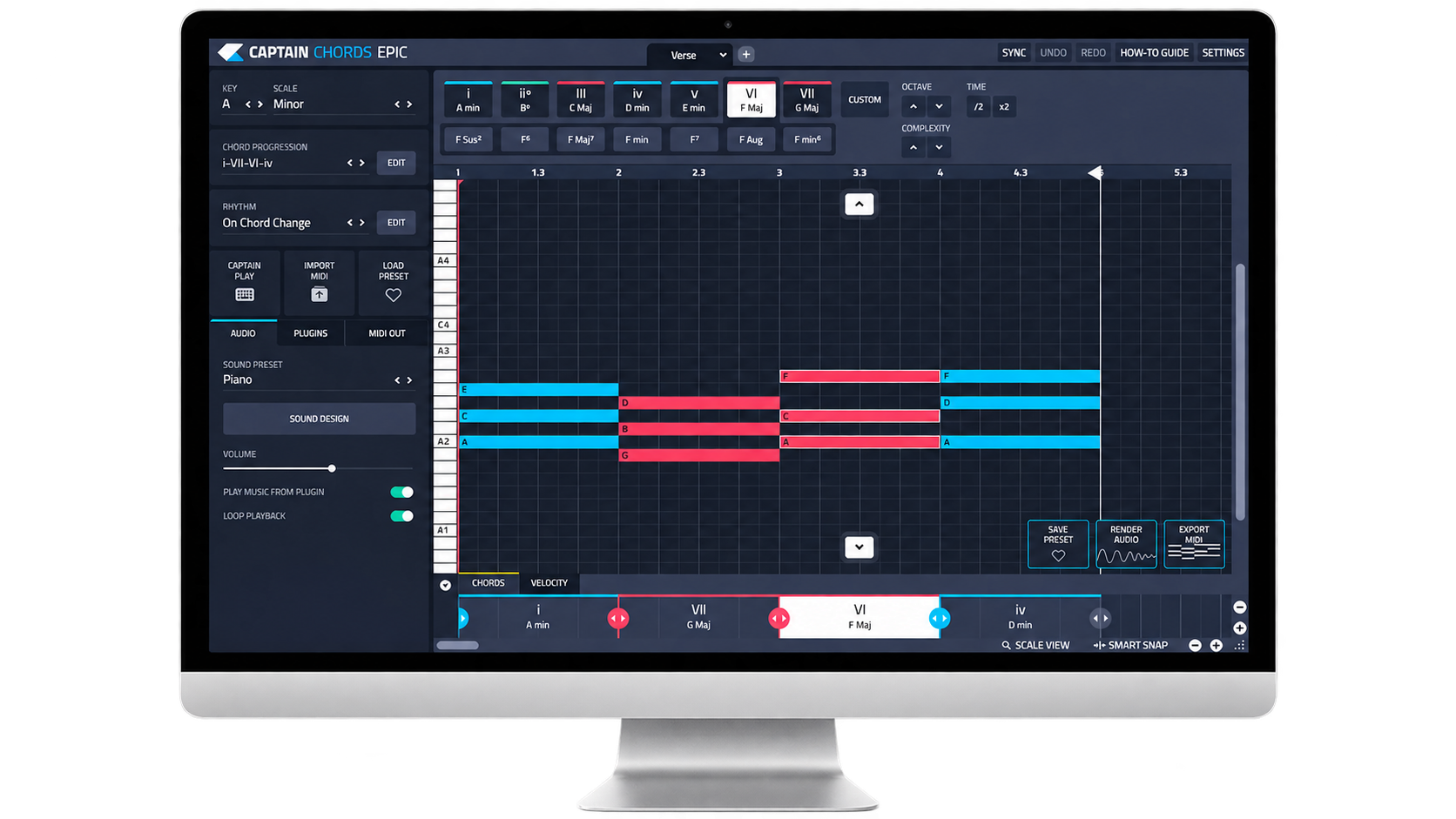
Move between DJ preparation, music production and the theory behind your next track.
Updated October 8, 2026 · 34 DJ guides
Compare Mixed In Key Standard and Pro