


Producer workflow
guides.
Start with a vocal, melody or sample. Build chords, bass, drums and recorded guitar parts in Wingman 3, work with MIDI and stems, then finish the arrangement in your DAW.
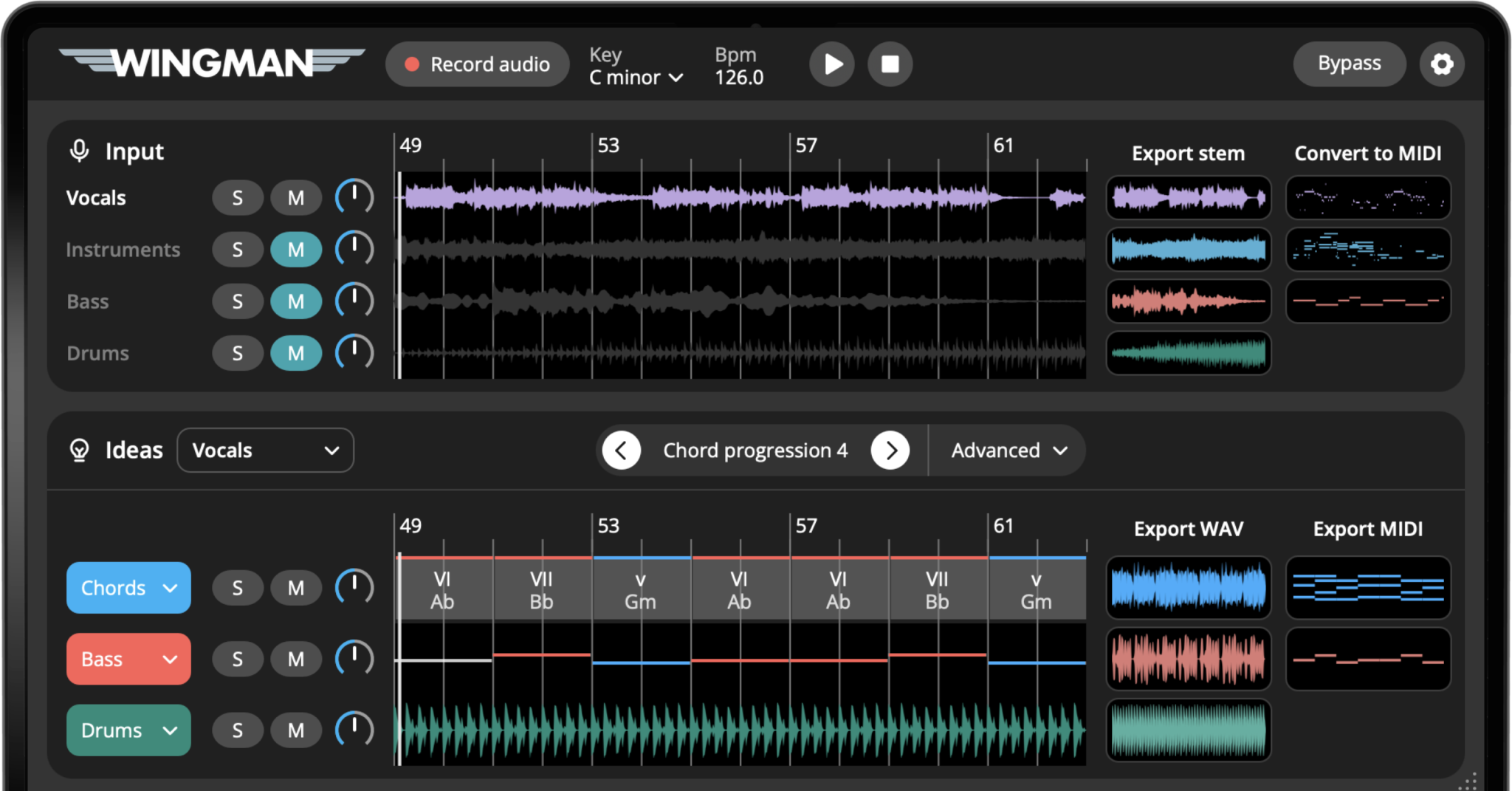
Featured workflows
Choose the result you need: new accompaniment, editable notes or separate audio parts.
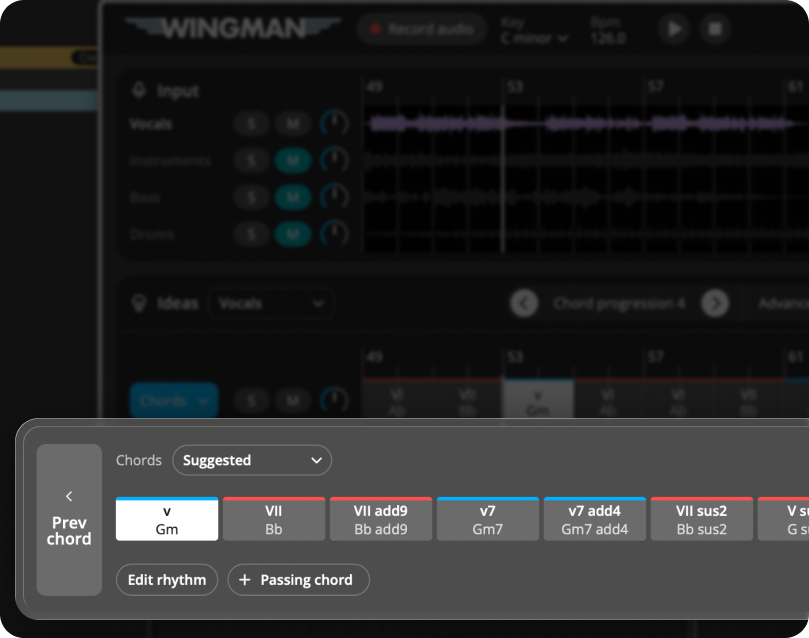
Build chords around a vocal
Audition new harmony against your vocal and choose the progression that fits.
Turn audio into MIDI
Get editable notes from a recording, then check the pitches and timing.
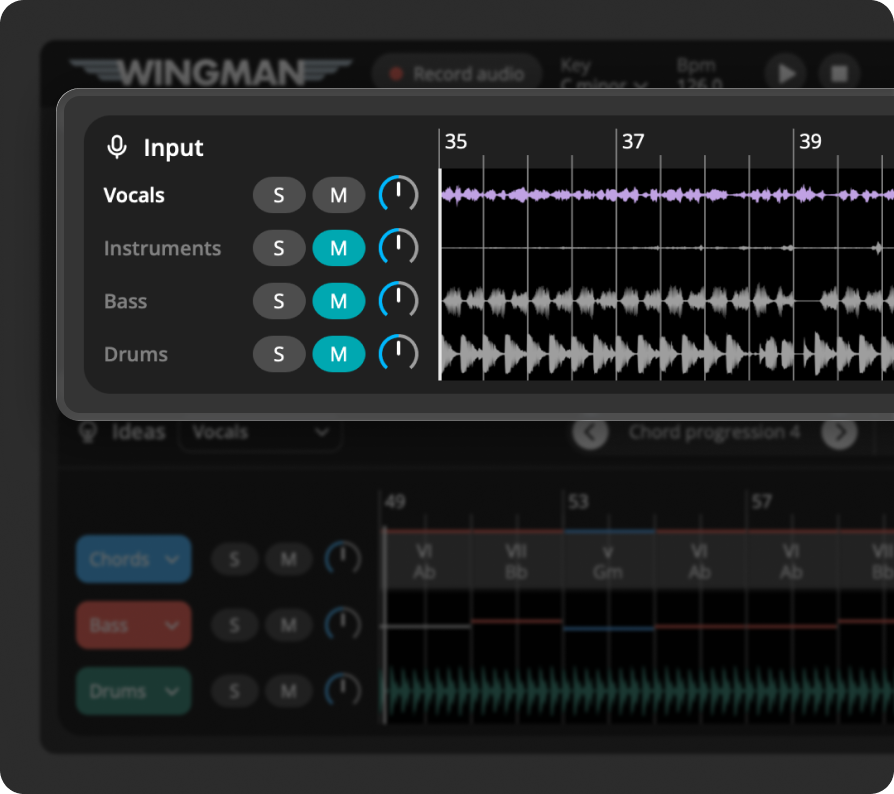
Separate stems for a remix
Work with individual audio parts and check the result before building your remix.
All Producer workflow guides
Browse by topic or search for the task you want to finish.
25 workflow guides
What Is Wingman?
Understand the plugin, its audio-based suggestions and the difference between generating ideas, MIDI conversion and stem separation.
How to Use Wingman in Your DAW
Load the plugin, capture the intended audio source, audition ideas and send the supported export back to a suitable DAW track.
How to Turn Audio Into Musical Ideas
Choose a useful phrase from your audio and decide whether the next step is accompaniment, MIDI editing or stem work.
How to Turn a Melody Into Chords and Bass
Build accompaniment around a melodic phrase: compare chord ideas, choose a bassline and keep the original melody in focus.
How to Find Chords That Match Your Audio
Compare new chord suggestions against your source. Keep the progression that supports the phrase instead of assuming one correct answer.
How to Create a Bassline From a Chord Progression
Build bass from a chosen progression, then adjust register, note lengths and rhythm around the kick.
How to Make Chord Progressions That Fit Your Song
Shape chord order and movement so the progression supports your song rather than crowding the melody.
How to Add Rhythm and Bounce to Flat Chords
Change chord rhythm and accents while keeping the harmony stable; compare the groove with the original audio.
How to Convert Audio to MIDI in Your DAW
Estimate editable notes from a clear melodic recording, then check pitch, timing and cleanup against the source.
How to Turn a Vocal Sample Into MIDI
Transcribe a vocal phrase into editable notes, then check slides, repeated notes and timing before assigning a new instrument.
How to Turn a Synth Loop Into MIDI
Rebuild a synth phrase as editable notes and compare the result with the original loop before changing the sound.
How to Drag MIDI From Wingman Into Your Piano Roll
Move an available MIDI export onto an instrument track, assign a sound and check clip position and tempo.
How to Separate Stems for a Remix
Isolate audio parts from a mix, check separation quality and choose the stem that guides your remix.
How to Create a Remix From an Acapella
Build a remix arrangement around a vocal: check tempo, try new harmony and leave room for the lead.
How to Build Chords Around a Vocal
Keep the vocal as the lead part. Compare chord movement and bass underneath its phrases.
How to Make a New Beat Around an Existing Audio Loop
Use a loop as the musical anchor and audition supporting harmony, bass and rhythm.
How to Use Your Own VST Synths Inside Wingman
Audition available hosted instruments with your ideas, or export MIDI to an instrument track in your DAW.
How to Change Chord and Bass Sounds
Choose the sound for an existing musical part and compare its register, articulation and space in the mix.
How to Add Effects Like Reverb, Delay, and Filtering
Use the built-in effects to shape a part, then compare dry and processed playback before export.
How to Export MIDI and WAV From Wingman
Choose editable notes or rendered audio. Check the options offered by the selected channel and verify the import.
How to Export Stems From Wingman
Export separated audio parts and check their alignment, length and separation quality in your session.
How to Use Wingman With Pro Tools
Follow the AAX setup route, capture the intended source and place exported MIDI or audio on the appropriate track.
Edit individual chords around your audio
Change a chord while keeping the rest of your progression, then audition it against the original audio.
Build Drum Parts with Wingman 3
Choose a kit, compare arrangement variations and export separate drum elements.
Add Real Guitars to Your Track
Audition recorded guitar performances against your chords, then refine rhythm and effects.
No guides match that search. Try a different topic, or use Clear to see all guides.
Explore more guides.
Move between DJ preparation, music production and the theory behind your next track.
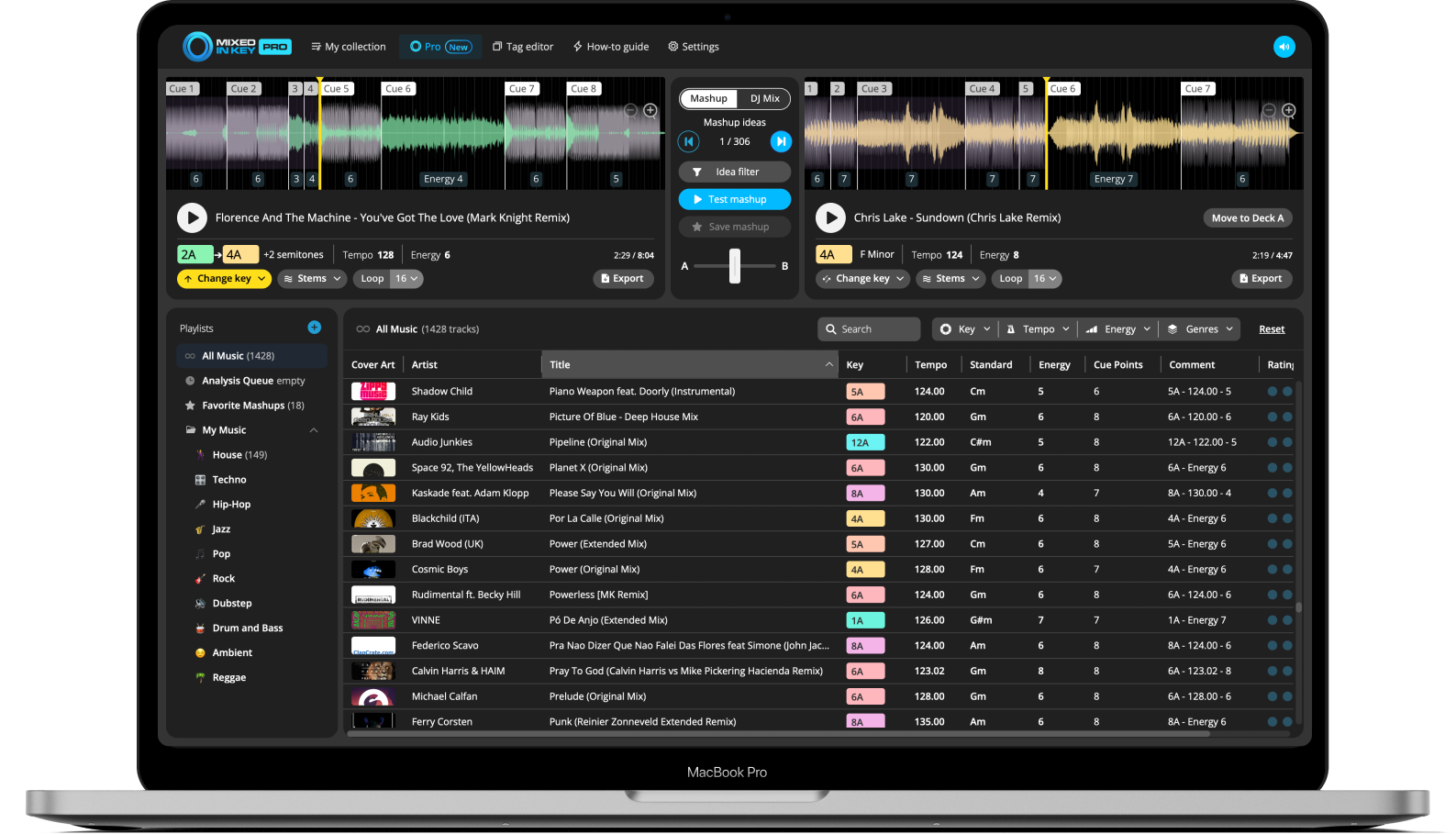
Updated October 8, 2026 · 25 Producer guides
Explore Wingman features