


In this article
Start with the instruments and effects in your FL Studio edition, then add third-party tools for a specific need. A focused toolkit is easier to learn, maintain and share than a large collection of overlapping plugins.
Identify the missing step in your workflow
Decide whether you struggle with writing notes, choosing sounds, arranging sections or mixing. These are different problems. A new synthesizer will not automatically solve an unclear chord progression, and another compressor may not improve an overcrowded arrangement. Write down the exact task before comparing products.
Use the piano roll as your foundation
FL Studio’s piano roll is the place to inspect and edit note timing, lengths and velocities. Learn those controls with a simple instrument first. A composition tool can generate or organize starting material, but the phrase still benefits from deliberate editing. Keep the notes visible enough to understand why the result works.
Add a composition tool when it helps decisions
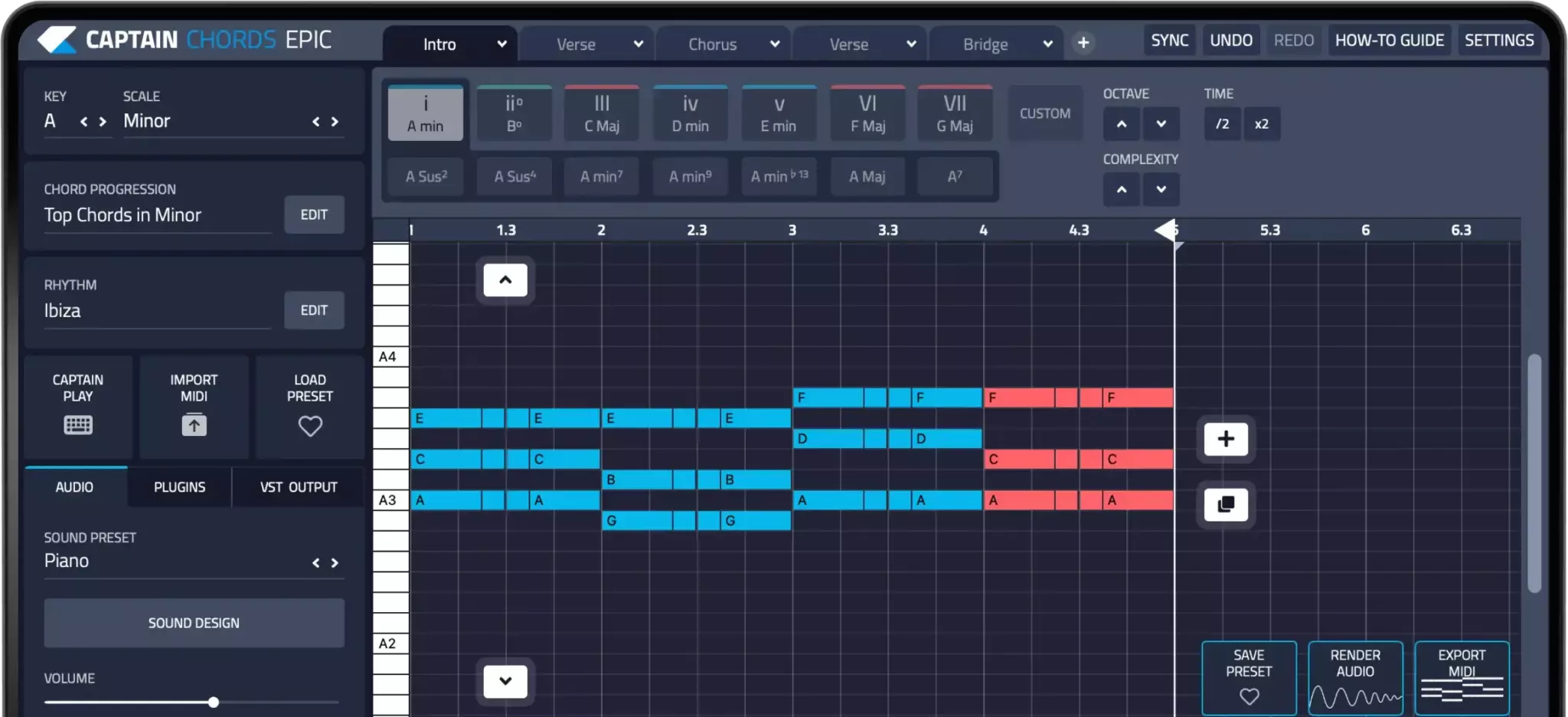
Captain Plugins 8 includes tools for developing chords, melody, bass and drums. Use it to explore a musical idea, then continue arranging the result in your project. Test the documented setup for your current host and plugin version rather than assuming every routing example applies unchanged to every installation.
Choose instruments by their role
A bass synth, a playable keyboard and a lead may cover most of a sketch. Vital is one option for editable wavetable sounds, while preset-led instruments can speed up finding a starting timbre. Compare candidates with your own MIDI and adjust the envelope for the phrase. Check whether the sound remains useful with built-in effects reduced.
Choose effects for audible reasons
Start with the included EQ, dynamics and spatial tools. Add a specialist processor only when it supplies control you need. Match output levels during comparisons and listen in the full arrangement. A plugin that makes a solo sound larger can still make the finished track less clear by covering the vocal or bass.
Check recall and collaboration before relying on a tool
Save a test project, close it and reopen it. Confirm that the plugin and its content return correctly. Keep audio renders of important third-party sounds when sending projects to another producer. A zipped project does not install another person’s plugins or guarantee that every external sample library travels with it.
Try this in your project
Open one unfinished FL Studio project and identify its largest obstacle. Try a solution with existing tools, then test one third-party candidate on the same material. Export a short comparison and keep the option that improves the music with the least unnecessary complexity.
Quick reference
| Focus | What to try | What to listen for |
|---|---|---|
| Writing | Inspect notes and timing | A phrase you can deliberately edit |
| Sound | Audition the same MIDI in candidates | A tool that fits a specific role |
| Reliability | Save, reopen and render a backup | A project that remains usable elsewhere |
Work with Captain Chords
Use Captain Chords to sketch the harmony, edit its voicing and rhythm, then develop the arrangement in your DAW.
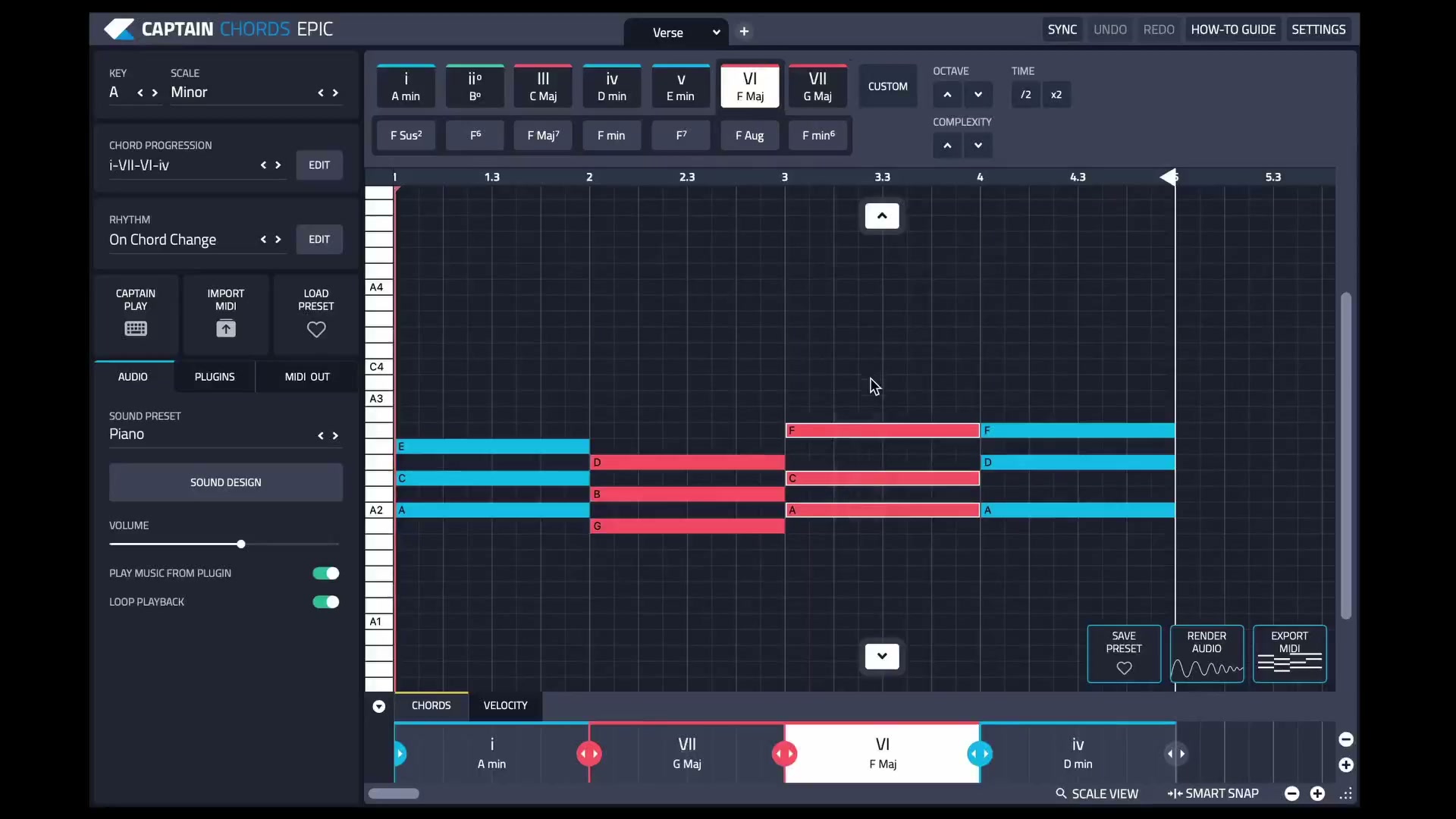
Captain Plugins 8 overview
See the update video for the current canvas and editing workflow.
Useful references
Common questions
Do I need third-party plugins to finish tracks in FL Studio?
No. Your edition’s included tools can cover many production tasks. Add tools for a clear purpose rather than as a prerequisite.
Will a project package include every plugin sound?
Not automatically. Third-party instruments and sample content can remain dependencies. Include renders and check the recipient’s setup.