


In this article
Logic Pro already includes a broad set of instruments and effects. Start by covering the jobs your music needs, then add a third-party tool for a specific sound or workflow. A “must-have” list is useful only when you can explain what each tool will do in your sessions.
Keep a dependable writing instrument
Choose a piano, electric keyboard or simple synth you can use to hear chords and melodies clearly. Save a version with distracting effects reduced. This is the sound you return to when a progression feels wrong or a dense preset hides the note lengths. It does not have to become the final instrument; its first job is to make the writing understandable.
Learn a sampler before buying more libraries
Logic includes Quick Sampler and Sampler for working with recorded material. Start with one sound and learn how its start point, envelope and tuning affect the phrase. A small source can become a playable instrument or rhythmic element. Judge any additional sample-based tool by whether it improves mapping, editing or the specific sounds you need, not just the size of its library.
Choose one main drum workflow
Drum Machine Designer is an included option for assembling drum parts, while Captain Beat provides a dedicated alternative focused on patterns and kits. Compare them with the same musical task: write a groove, vary a few hits and make a fill. Keep the workflow that helps you edit the pattern deliberately and move it into the arrangement without unnecessary rebuilding.
Add composition support where it helps
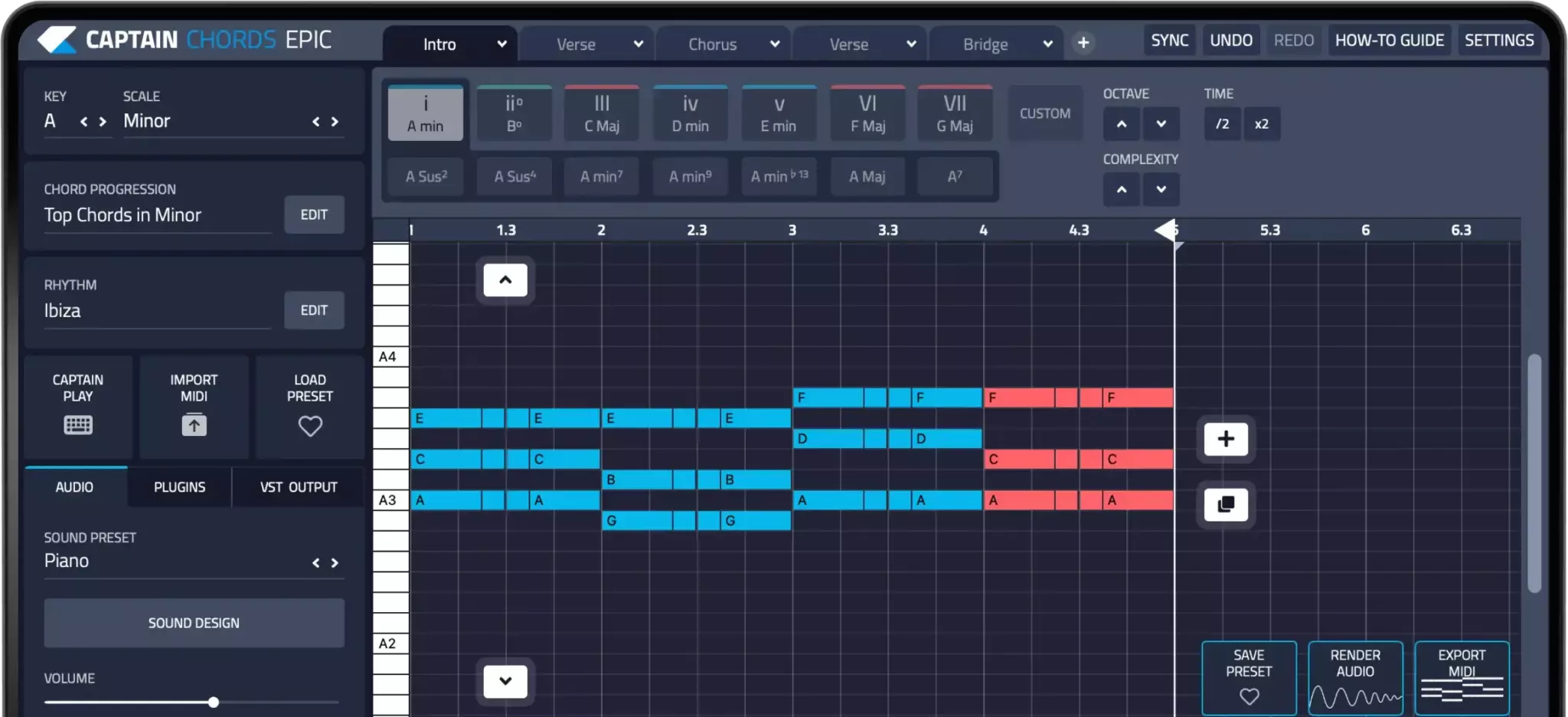
Logic’s MIDI effects can transform performed notes, and Captain Chords offers a dedicated space for developing progressions within Captain Plugins 8. These are related but different jobs. If harmony is slowing you down, try writing two sections and changing their voicings. If performance is the obstacle, a MIDI effect or controller setup may be the more direct solution.
Use familiar mixing tools for clear tasks
Start with an EQ, compressor, delay and reverb you understand. Listen to the untreated track and name the problem before selecting a processor. If you compare another plugin, match the level and use the same musical passage. A more elaborate interface is not evidence of a better result; speed, clarity and repeatable control matter when revising a complete mix.
Check the practical cost of an addition
Confirm the current Audio Units version, authorization process and system support before installation. Save and reopen a small test project with the plugin, then try it in a more demanding session. Consider the time needed to learn and maintain it as well as the purchase price. Keep a shortlist organized by musical role so you can find tools while writing.
Try this in your project
Make a Logic template with one writing instrument, one sampler or drum setup and a few familiar effects. Finish a short arrangement. Only then list a missing capability and test one additional plugin against that specific need.
Quick reference
| Focus | What to try | What to check |
|---|---|---|
| Writing | Use a plain, familiar instrument | Notes and voicings are easy to hear |
| Drums and samples | Learn one editing workflow | Parts can be varied rather than just loaded |
| Mixing | Choose a processor for a named problem | The change helps at matched level |
Work with Captain Chords
Use Captain Chords to sketch the harmony, edit its voicing and rhythm, then develop the arrangement in your DAW.
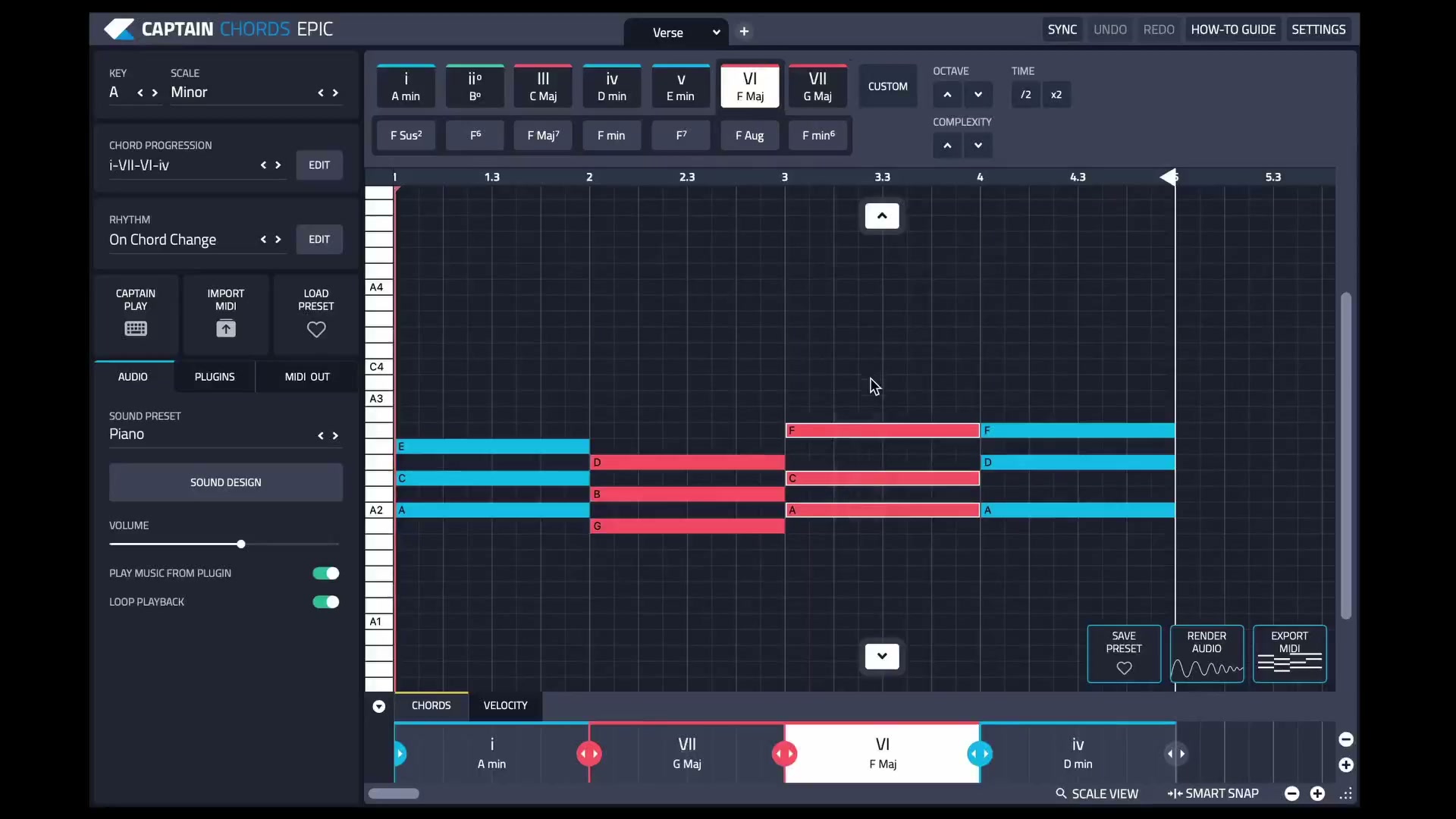
Captain Plugins 8 overview
See the update video for the current canvas and editing workflow.
Useful references
Common questions
Is Captain Plugins a replacement for Logic’s instruments?
It provides a composition workflow and sounds you can use while writing. Your DAW remains the place for recording, arranging and mixing the complete track.
What should I check before buying a Logic plugin?
Check the supported Audio Units version, your system requirements, licensing and the actual workflow you need. A trial project is more useful than an assumption based on the product name.