


The Art of DJing: Practice Makes Perfect
Updated
Practice improves fastest when you can name the skill you are working on. Choose a small set of tracks, repeat one type of transition and listen back to the recording before adding more techniques.
1. Learn your tracks
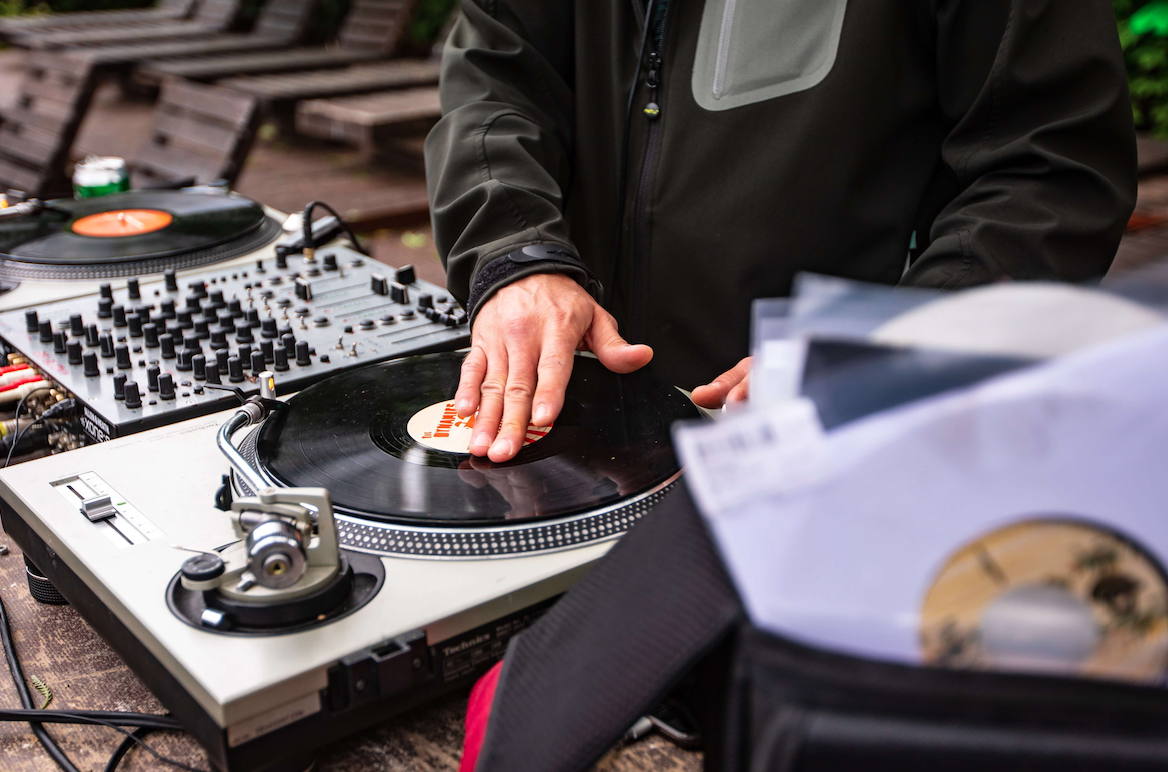
Listen away from the decks. Note where the vocal starts, how long the intro lasts, where the breakdown changes and whether the ending leaves room for another track. Track familiarity makes it easier to react when a mix does not go as planned.
Use Mixed In Key 11 to organize key, BPM and Energy Level, then review automatic Cue Points against the arrangement. Keep notes that describe what you actually hear.
2. Practice timing and level control
Work with two tracks you know well. Align a clear phrase boundary and listen to the rhythm through the transition. Compare the bass and overall level as you exchange tracks.
Check your intended performance settings, including sync and key lock. Practice recovering from a drift or an early start without adding extra effects to hide it.
3. Rehearse more than one transition
Try a longer melodic blend, a shorter percussion overlap and a clean cut. Listen for competing vocals and basslines. Keep the version that suits the arrangement instead of using the same technique for every pairing.
For harmonic blends, use Camelot notation to shortlist compatible tracks and rehearse the actual overlap. A matching label is a useful option, not an instruction to play the track.
4. Plan the direction of a short set
Choose an opening, a few possible changes in intensity and an ending. Add alternatives so you can respond if the audience prefers a different direction. Use tempo and Energy Level to compare choices, then listen to the sections that will play.
Keep the preparation manageable. A short playlist you have rehearsed is easier to use than a large list of unfamiliar tracks.
5. Record and review
Record a practice set and listen to it from start to finish. Mark one or two things to improve: an abrupt bass exchange, a vocal clash, a late phrase or a transition that lasts too long. Repeat those moments before recording again.
Listen for the overall shape as well as the technical details. Give strong tracks room to play and keep routines for moments where they add to the set.
A focused 30-minute session
- Spend five minutes choosing a pairing and its cue positions.
- Rehearse the same transition for ten minutes.
- Try a second approach for five minutes.
- Record a short sequence, listen back and write one useful note.
Use that note to decide what to practice next. Small, repeatable improvements are easier to hear than changing the whole setup every session.
Prepare your music with Mixed In Key 11
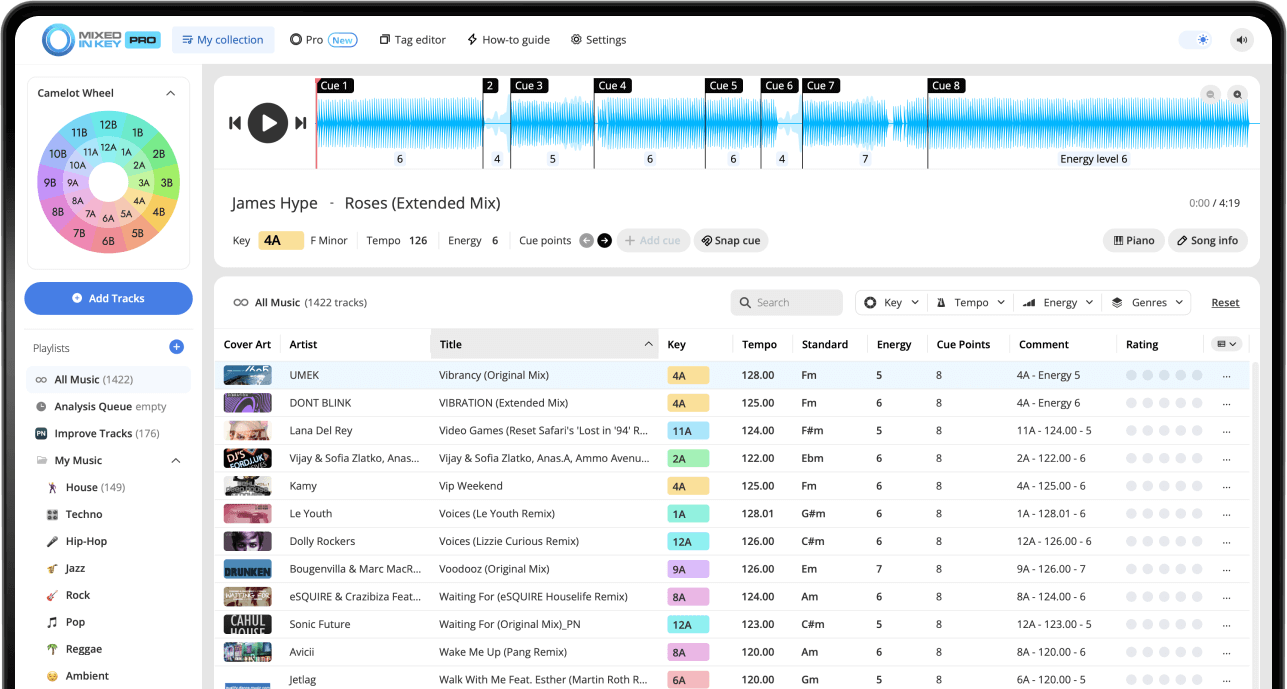
Mixed In Key 11 Standard and Pro analyze musical key, BPM, Energy Level and automatic Cue Points. Use those results to organize your collection and prepare transitions. Review cues against the beat grid, then follow the integration guide for your DJ software.
Pro adds mashup suggestions, deck players, stem playback and key changes so you can audition combinations before finishing them in your DAW.
Put it into practice
Original article by Adam Hignell.