


In this article
To begin making electronic music, you need a way to sequence or record sounds and hear the result. Start with a DAW and its included instruments, learn the basic editing workflow and finish a small project before expanding the setup.
Learn the minimum useful controls
Create an instrument track, draw or record MIDI, loop a region and export audio. Learn how to change tempo and stop unwanted recording or playback. These operations are enough to begin a first track; advanced routing and a large plugin collection can wait.
Build a small musical foundation
Program a simple drum pattern and add a bass note or short bass phrase. Choose a tempo that makes the rhythm comfortable to edit and hear. If you add chords, use a small set first so you can focus on how the parts work together.
Add one main idea
Write a lead phrase, record a vocal or choose a sound that gives the loop a recognizable identity. Keep space around it. If every new part feels necessary only in solo, play the whole loop and remove the ones that do not contribute to the central idea.
Make a beginning and ending
Duplicate the loop into a short timeline, then remove parts to create an introduction and a quieter section. Bring the main idea back and write an ending. This is your first arrangement, even if the sounds are simple.
Export, listen and keep the project organized
Save the session and the samples it needs in a clear folder. Export a lossless version for your own checks, then listen away from the piano roll. Choose one thing to improve in the next version rather than rebuilding everything at once.
Try this in your project
Make a one-minute piece with drums, bass, chords and one lead. Use only included sounds or tools you already own. Give it a beginning, a contrasting section and an ending, then export it.
Quick reference
| Focus | What to try | What to listen for |
|---|---|---|
| Setup | Learn MIDI, looping and export | A complete basic workflow |
| Writing | One rhythm and one main idea | A focused first loop |
| Finishing | Arrange and export a short piece | Practice beyond sound selection |
Work with Captain Chords
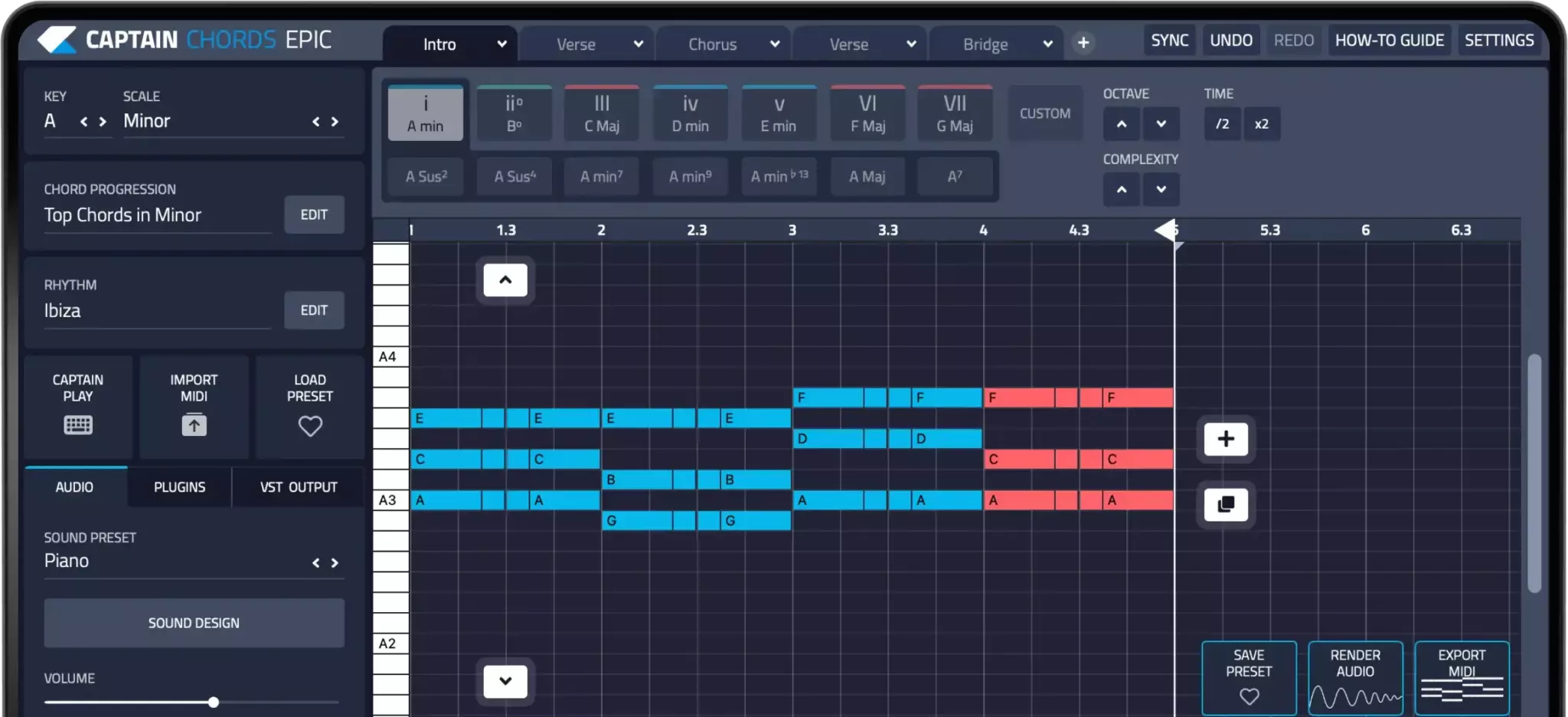
Use Captain Chords to sketch the harmony, edit its voicing and rhythm, then develop the arrangement in your DAW.
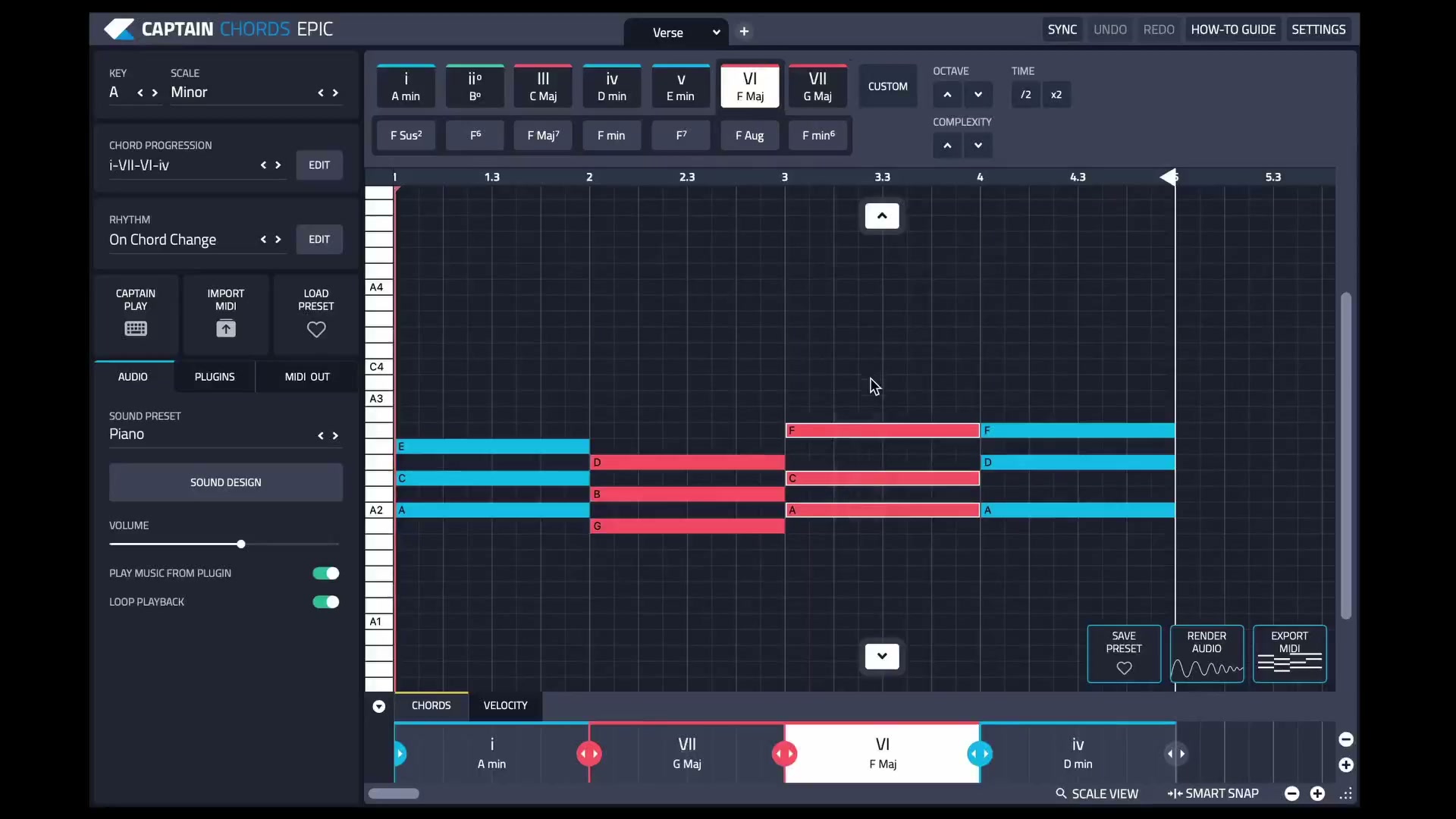
Captain Plugins 8 overview
See the update video for the current canvas and editing workflow.
Common questions
Do I need a MIDI keyboard?
No. You can draw notes or use supported computer-keyboard input. A controller can be useful later if playing helps your process.
Should I buy more plugins before starting?
Begin with what you have. Add tools when you understand which task or sound is missing.