


In this article
Selling beats involves more than uploading instrumentals. You need a catalogue an artist can navigate, an offer they can understand and files they can use. Start with a small, coherent set of finished beats and test the buying and delivery process before expanding it.
Choose who the catalogue is for
Select a group of beats that serve a recognizable musical use: melodic rap, sparse vocal-led production or energetic club records, for example. Avoid promising to suit every artist at once. Listen from a vocalist’s perspective and remove unnecessary lead parts where they occupy the space a singer or rapper needs. Good organization helps the right listener find a useful starting point.
Finish and label the deliverables
Keep a clean stereo version, a preview and any individual track exports included in your offer. Label tempo, key if verified and version consistently. Export separate parts from a common start point and audition the package in a fresh project. Describe whether the supplied parts are individual tracks or grouped stems; buyers should know what they can edit.
Make the license understandable
Decide what each offer includes and point buyers to the complete terms before payment. Non-exclusive and exclusive labels do not describe every condition of an agreement. Usage limits, existing licenses, credits and delivery formats can differ. BeatStars confirms that producers set their own terms, so do not copy another seller’s description and assume it fits your work.
Check the material inside the beat
Keep a record of collaborators, samples and the permissions attached to them. A sound that can be used in a song may have different restrictions when supplied as an isolated file. Review the relevant licenses before promising exclusivity or delivering source material. Resolve those questions while preparing the product, rather than after an artist is ready to release a track.
Demonstrate the musical value
A preview should reach the main idea quickly and make the arrangement easy to imagine under a voice. Use accurate descriptions of tempo, mood and instrumentation instead of unsupported claims about results. If you use a producer tag, keep it clear enough to identify the preview without making it impossible to judge the music.
Measure useful steps in the process
Track plays, enquiries, completed sales and delivery problems separately. Many plays with few enquiries can indicate a mismatch between audience and catalogue; repeated questions may reveal an unclear offer. Change one part of the process at a time. Treat the first releases as a way to learn what buyers need, not as a guaranteed income forecast.
Try this in your project
Choose three finished beats. Prepare a one-page catalogue with a preview, tempo, verified key, included files and a link to the full terms for each. Ask a trusted artist to explain what they would receive before testing the delivery package yourself.
Quick reference
| Focus | What to try | What to check |
|---|---|---|
| Catalogue | Group beats around a clear musical use | Artists can find a relevant starting point |
| Offer | Explain files and link full terms | No guessing about what is included |
| Delivery | Reopen exports in a fresh project | Parts align and filenames are clear |
Write the parts before mixing them
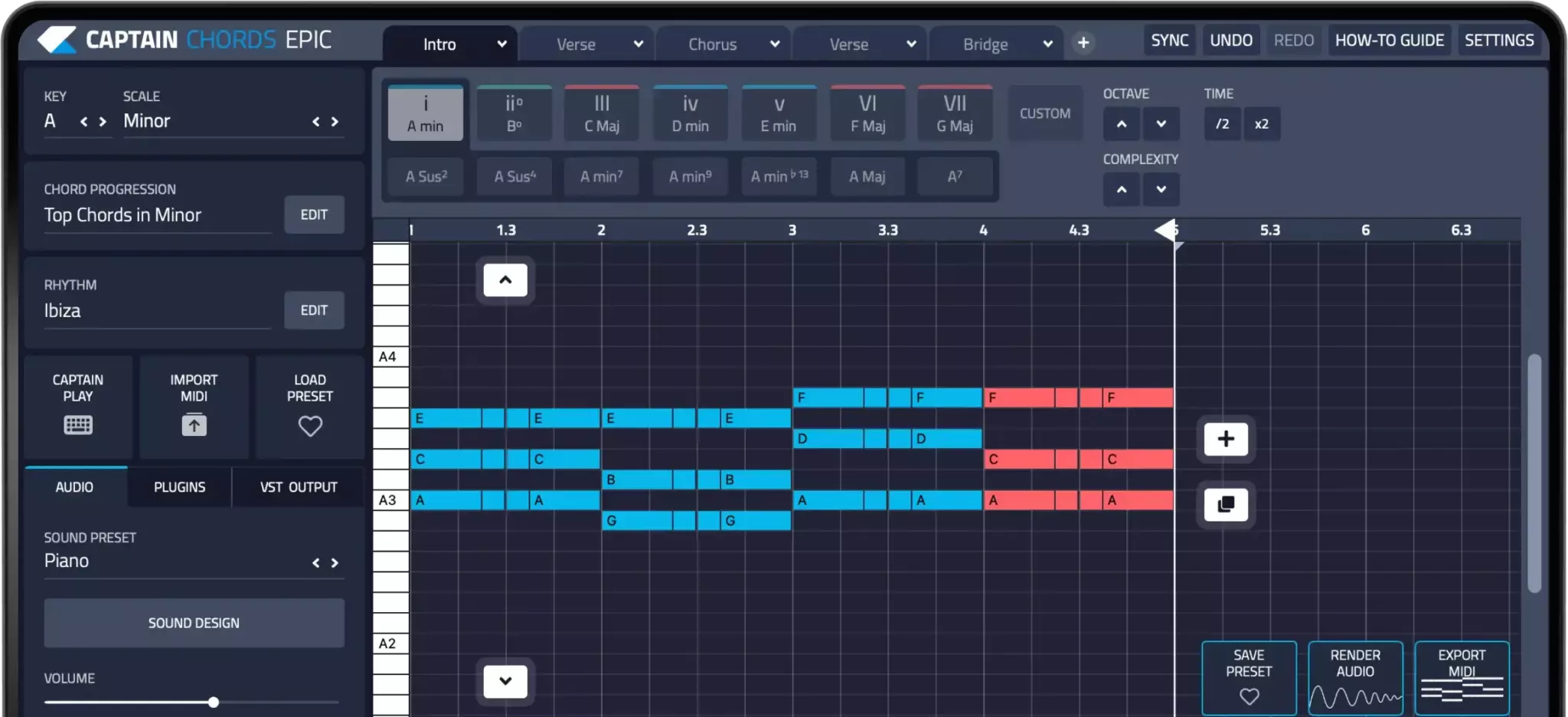
Captain Plugins helps you write chords, melody, bass and drum parts. Balance and process those parts with the mixing tools in your DAW; composition tools do not replace a mix or mastering workflow.
Captain Plugins 8 overview
See the update video for the current canvas and editing workflow.
Useful references
Common questions
Does an exclusive sale automatically transfer every right?
Do not assume that. The agreement determines what is transferred and how existing permissions are handled. Make those terms explicit before the sale.
How much should I charge for a beat?
There is no universal figure. Consider the scope, files, revisions and rights you are offering, then review actual enquiries and sales rather than copying an earnings claim.