


In this article
An online beat catalogue should help an artist find a track, understand the offer and receive the right files. Build those three steps first. A large number of uploads is less useful than a smaller catalogue with accurate descriptions and reliable delivery.
Prepare the listing before choosing a platform
For each beat, collect its title, tempo, key if checked, instrumentation, preview and included file formats. Use a consistent naming system so a buyer can connect the preview to the delivered files. Write a short description of the musical space available for a voice. This preparation transfers to a marketplace or your own store without tying the catalogue to one interface.
Choose a storefront by the work it must handle
Compare playback, search, licensing presentation, payment and file delivery. Check the current platform documentation for charges and limits rather than relying on an old comparison. Think through the buyer’s experience on a phone as well as a desktop. A storefront that fits your workflow should reduce repetitive administration and make the terms easy to find.
Make previews easy to evaluate
Give the main musical idea enough time to be heard and include a useful transition between sections. Avoid a long silent lead-in or a preview made much louder than the delivered mix. If you place a producer tag over the audio, check that it does not obscure every important vocal space or drum accent. Match the file description to what the buyer hears.
Describe the transaction clearly
Separate the creative description from the practical offer: license, files, revisions if any and how delivery works. Link to the actual terms instead of summarizing them with a vague “unlimited” badge. BeatStars notes that license conditions vary by producer. Keep collaborator and sample records organized so you can answer questions about the material you are supplying.
Test the delivery as a recipient
Open the download in a new folder, inspect the names and import the audio into an empty DAW project. Confirm that every part begins at the same reference point and that nothing is missing. Include a short readme with tempo, file contents and contact details. A well-presented archive saves the artist from reconstructing information scattered across messages.
Improve the catalogue from real questions
Keep a simple record of which listings receive enquiries and what people ask. Add missing information to the relevant page instead of repeatedly answering the same question in private. Remove broken preview links and keep sold or unavailable offers accurate. Promote a small, coherent selection to relevant artists rather than sending the entire catalogue without context.
Try this in your project
Publish or prepare one complete listing, then view it on a phone. Without using your own knowledge of the beat, check whether a buyer can identify the tempo, hear the main idea, read the terms and understand the download contents in a few minutes.
Quick reference
| Focus | What to try | What to check |
|---|---|---|
| Listing | Use consistent titles, tempo and file labels | Preview and download are easy to match |
| Storefront | Check playback through delivery | Each step works on mobile and desktop |
| Maintenance | Turn repeated questions into clearer copy | Fewer surprises after purchase |
Write the parts before mixing them
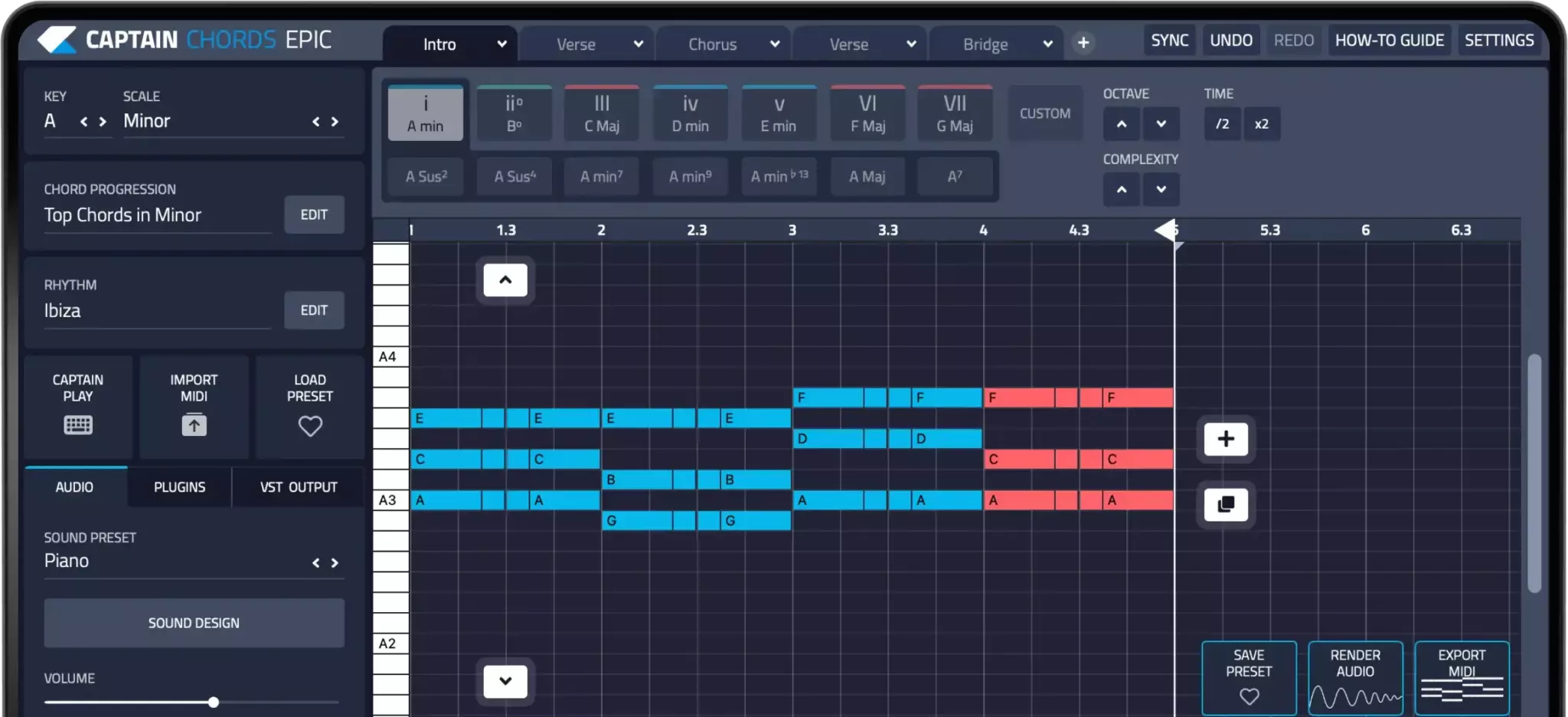
Captain Plugins helps you write chords, melody, bass and drum parts. Balance and process those parts with the mixing tools in your DAW; composition tools do not replace a mix or mastering workflow.
Captain Plugins 8 overview
See the update video for the current canvas and editing workflow.
Useful references
Common questions
Do I need my own website to begin?
Not necessarily. A marketplace or hosted storefront may cover the first catalogue. Compare current features and costs against the specific workflow you need.
Should every beat use the same description?
Use consistent information fields, but describe the actual beat. Instrumentation, arrangement and vocal space are more helpful than copying the same promotional paragraph.