


In this article
A remix gives existing material a new musical setting. Choose what the listener should still recognize, establish its tempo and harmony, then write the surrounding parts around that identity. Keep technical preparation separate from the creative decisions so you can hear what each change contributes.
Start with the brief and the available material
For an authorized remix, confirm the expected length, style, delivery files and approval process. Organize the supplied vocal, instrumental or individual parts and keep an untouched copy. If you are using other source material, establish the permissions needed for the intended release. Access to a recording or separated stem does not by itself establish permission to distribute a remix.
Choose the element that carries the identity
A vocal phrase, bass line or short instrumental hook can be enough. Listen to the source without adding anything and mark the strongest moments. Decide which parts you will keep and which can be removed. Bringing every original layer into the new version can make it harder to create a distinct arrangement.
Check timing before writing around it
Find a reliable downbeat and test the source against your project grid over several phrases. A file may have a pickup before the first beat or timing that changes through the song. Make the smallest edits needed for your intended feel, then listen for unnatural attacks or stretched syllables. Recheck the timing after changing tempo.
Test the harmony under the important notes
Use key analysis as a starting point, then listen to sustained vocal or melody notes against your proposed chords. A different progression can create an effective reinterpretation, but a key label alone does not guarantee every chord fits. Try a simple piano accompaniment first. Change the voicing or bass before deciding that the vocal needs to be retuned.
Build a new groove without crowding the source
Program drums and bass that support the phrasing you kept. Leave space before an important vocal entry and avoid placing a busy instrumental lead on top of it. If the new groove changes the feel substantially, compare shorter and longer source phrases. Sometimes a smaller amount of the original material carries its identity more clearly.
Arrange, compare and deliver
Create a beginning, main section and a contrasting section that make sense for the remix’s purpose. Compare with the brief and with your early reference bounce, not just with the last ten minutes of editing. Export the requested versions and check them from start to finish. Keep notes on the source files, your processing and the approved release details.
Try this in your project
Use a vocal or melody you recorded yourself. Make two eight-bar arrangements around it: one with held chords and one with a syncopated accompaniment. Keep the source unchanged and compare how rhythm and bass alter its feel.
Quick reference
| Focus | What to try | What to check |
|---|---|---|
| Identity | Choose one recognizable source element | The remix retains a clear connection |
| Preparation | Check downbeats and sustained notes | Timing and harmony support the new parts |
| Arrangement | Build contrast around the source | A complete version rather than an extended loop |
Work with Captain Chords
Use Captain Chords to sketch the harmony, edit its voicing and rhythm, then develop the arrangement in your DAW.
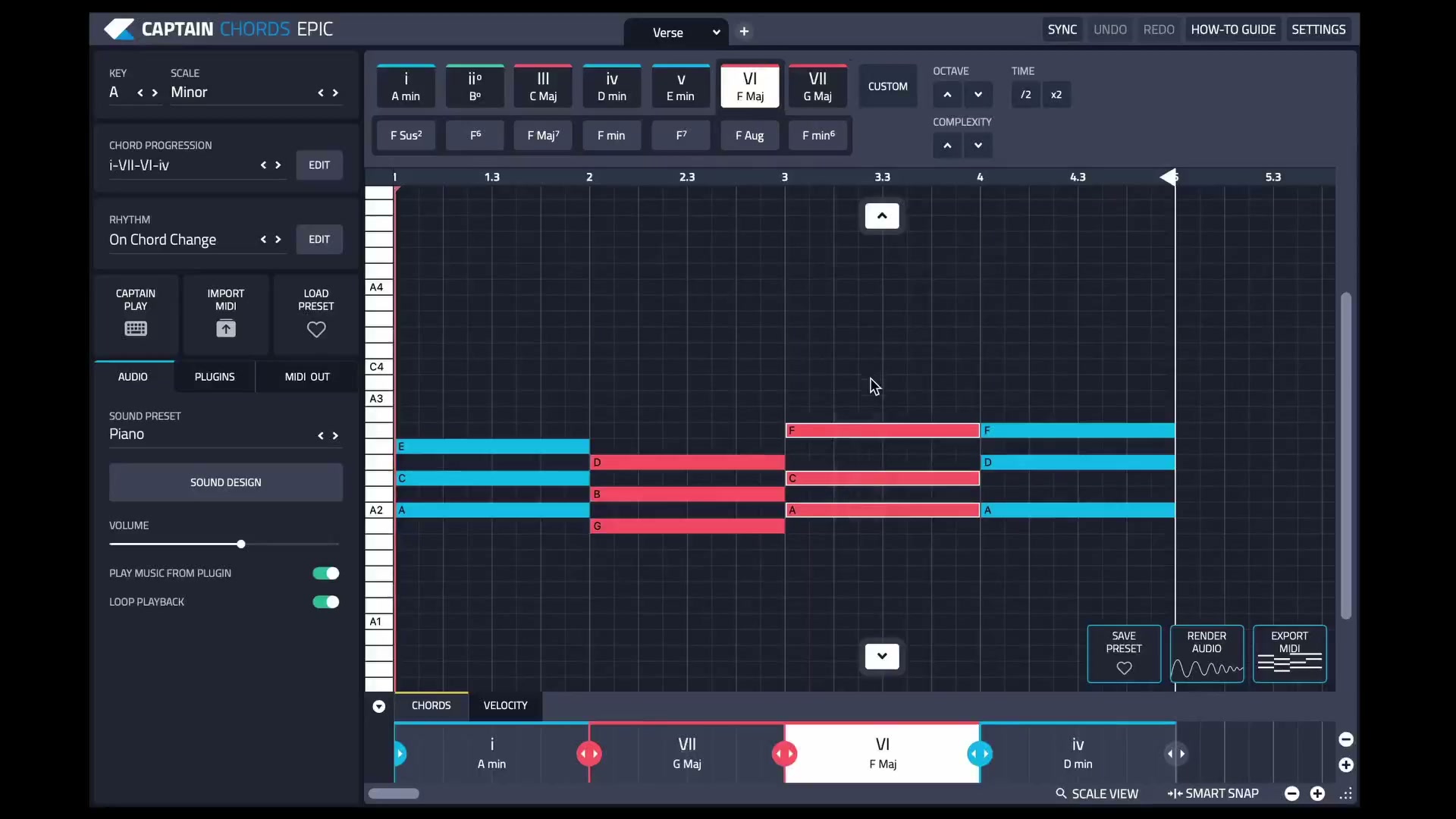
Captain Plugins 8 overview
See the update video for the current canvas and editing workflow.
Useful references
Common questions
Is a remix the same as a cover?
No. A remix typically reworks an existing recording, while a cover is a new performance of a composition. Release permissions and platform procedures can differ.
Can stem separation provide material for an authorized remix?
It can be useful when suitable source parts are unavailable, but listen for artifacts. Separation does not replace the permissions required for the release.