


In this article
Begin with a small setup and repeat the full process of making a track. Learning to finish an idea teaches you more than collecting tools without using them in complete projects.
1–2. Learn one DAW and one instrument
Practice recording, editing, looping and exporting before building a large plugin collection. Choose one instrument and learn how its envelope, filter and presets affect a part. Keep a short list of commands you use every session and learn those shortcuts first.
3–4. Work from a reference and a small brief
Pick a reference for a specific question, such as section length or drum balance. Write a simple goal for your own track: one bass sound, one hook and a short arrangement. Study the reference’s structure without copying its recording or distinctive melody.
5–6. Finish a sketch and keep versions
Set a session endpoint, such as a one-minute demo with a beginning and ending. Save a new version before substantial changes. A useful filename includes the track name, date and version number; keep the associated samples with the project.
7–8. Compare at matched level and take breaks
A louder sound is easy to mistake for a better sound. Level-match references and processing comparisons where practical. Work at a comfortable playback level and step away periodically; if every sound starts to seem wrong, a fresh listen may help more than another plugin.
9–10. Ask a focused question and fix one thing
Instead of asking whether a track is good, ask whether the bass masks the kick or the second section feels too long. Make one revision, export again and compare. Keep a short note about what improved so the lesson carries into the next project.
Try this in your project
Finish a 60-second track using no more than eight musical tracks. Export version one, write three specific observations and revise only those points. Save both exports so you can hear the result of each decision.
Quick reference
| Focus | What to try | What to listen for |
|---|---|---|
| Learning | One DAW and a small tool set | Fewer interruptions while writing |
| Finishing | A short complete arrangement | Practice beyond the loop |
| Feedback | One specific question | An actionable next edit |
Work with Captain Chords
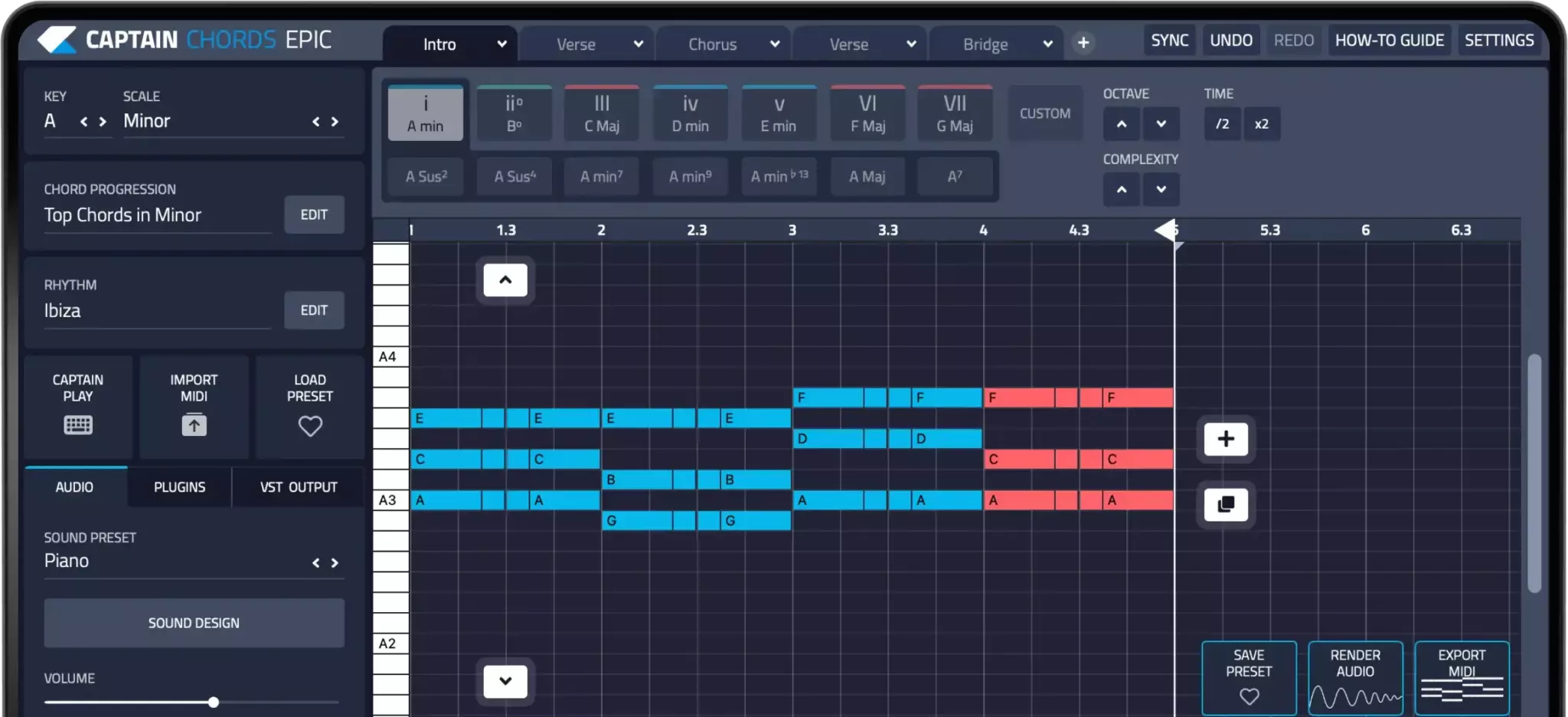
Use Captain Chords to sketch the harmony, edit its voicing and rhythm, then develop the arrangement in your DAW.
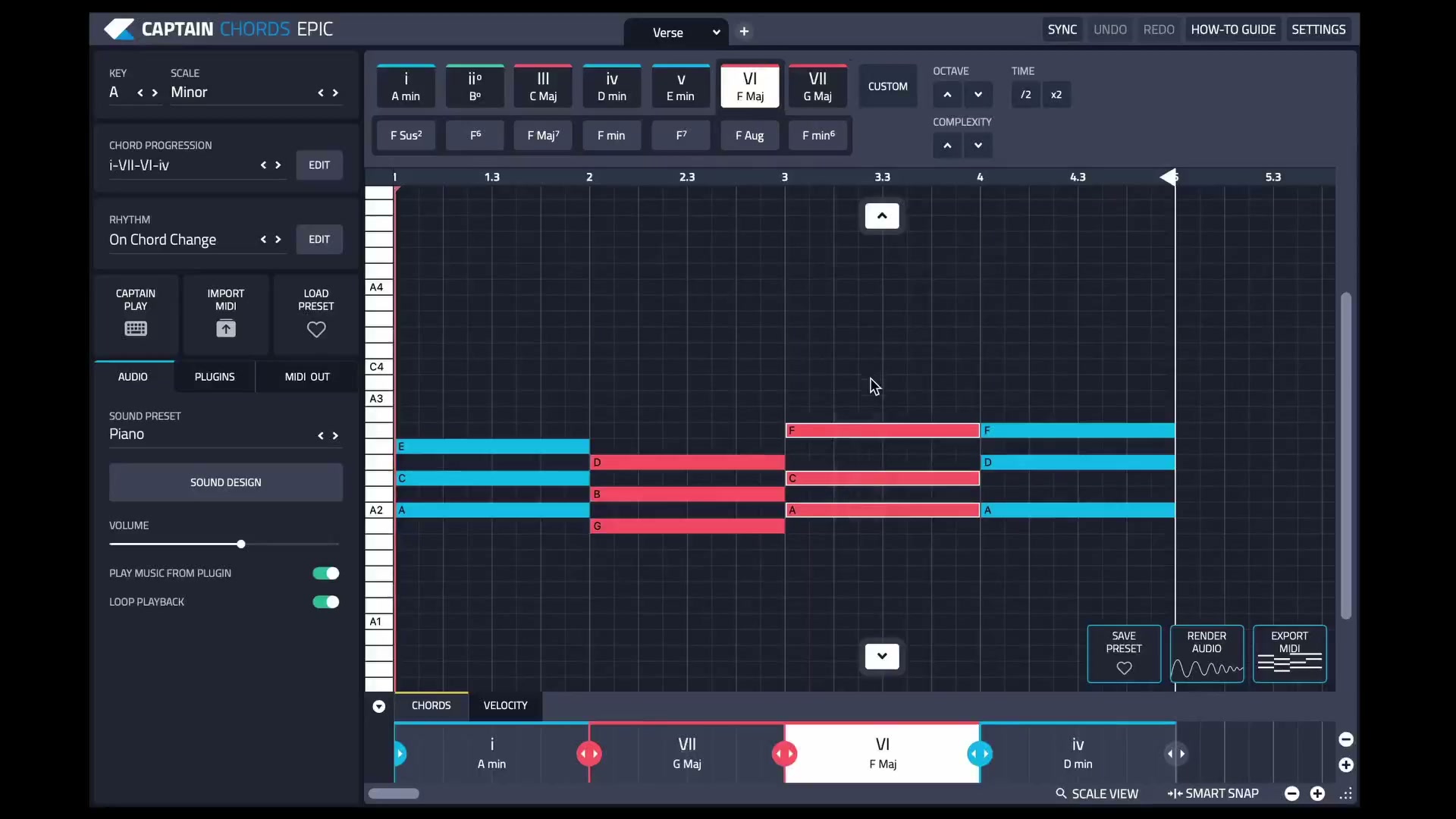
Captain Plugins 8 overview
See the update video for the current canvas and editing workflow.
Common questions
Do I need expensive plugins to begin?
No. A DAW’s included instruments and effects can cover the basic workflow. Add tools when you can identify the problem they will solve.
How long should my first track be?
Long enough to practice a beginning, development and ending. A short finished piece is a useful first target.