


In this article
Creative block is easier to work with when you name the problem. A missing melody, an overcrowded arrangement and an unclear goal need different experiments. Choose one small change and compare it with the original.
Separate a writing problem from a decision problem
Listen once and write what is missing without opening another plugin. If you have no second section, work on structure. If you have ten possible sounds, limit the choice. A specific question gives the session an endpoint instead of an endless search for inspiration.
Change one musical parameter
Keep the notes and change the rhythm, or keep the rhythm and change the register. Try reversing the order of a short motif. This is different from reversing an audio file, which also changes the sound’s attack. Treat the result as material to edit, not an automatic improvement.
Use a deliberate constraint
Write with three notes, one drum kit or a two-chord loop for a short session. A limit reduces the number of decisions without making the final song permanently simple. Once the phrase works, remove the constraint only where a new element adds something useful.
Switch the task when listening becomes stale
Move from sound selection to arrangement, or make a rough export and listen away from the editing screen. A break can reveal that the original idea is already strong enough. Keep an observation list so the next session starts with evidence rather than the same uncertainty.
Ask for a focused outside listen
Share the question you are trying to answer, such as whether the chorus enters too late. Keep feedback separate from the decision to use it. If the project’s direction has changed, save a new version so experimentation does not erase the version you liked.
Hear a one-change writing exercise
A three-note limit removes the need to search for new pitches. Make a second version by changing only the timing.
A · Three notes on the beat
A, C and E repeat in a steady pattern.
A–C–E–C, repeated. Pitch set: A minor triad.
Ready to play
Original synthesized lesson examples with a simple piano-like tone. These illustrate the musical idea; they are not recordings of Captain Plugins or finished genre productions.
Try this in your project
Choose one unfinished loop. Make three versions in a short session: fewer notes, a different rhythm and a different ending. Pick one version to arrange for a minute, even if the sound design remains unfinished.
Quick reference
| Focus | What to try | What to listen for |
|---|---|---|
| Problem | Name the missing decision | A task small enough to attempt |
| Constraint | Limit notes or instruments | Fewer choices during the experiment |
| Comparison | Keep the original version | A clear way to judge the change |
Work with Captain Chords
Use Captain Chords to sketch the harmony, edit its voicing and rhythm, then develop the arrangement in your DAW.
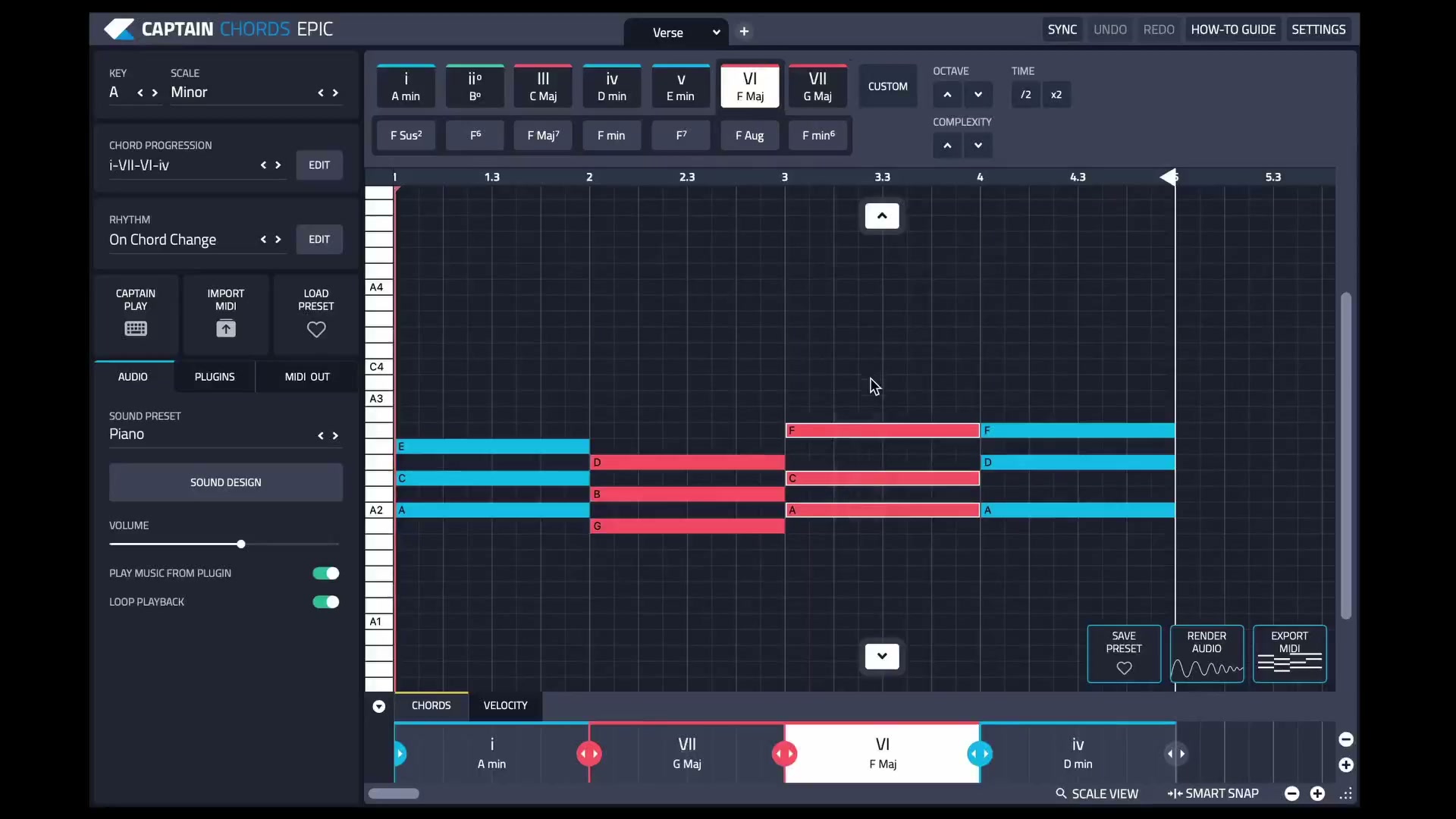
Captain Plugins 8 overview
See the update video for the current canvas and editing workflow.
Common questions
Is generating more ideas always the answer?
No. You may already have useful material and need to choose, arrange or finish it.
Is melodic inversion the same as reversing note order?
No. Reversing order is retrograde. Melodic inversion changes the direction of intervals, with the exact result depending on the chosen method.