Mixed In Key & Pro
Analyze your library, mix in compatible keys, prepare cue points and try mashup ideas. Guides for Standard and Pro.
Explore DJ workflows
There are no items in your cart
Keep shopping

Included Software:

To verify your email, we’ve sent an email to . This code will expire in
Prepare a DJ set, try a mashup, or write your next track. Find practical lessons for Mixed In Key, Wingman and Captain Plugins.
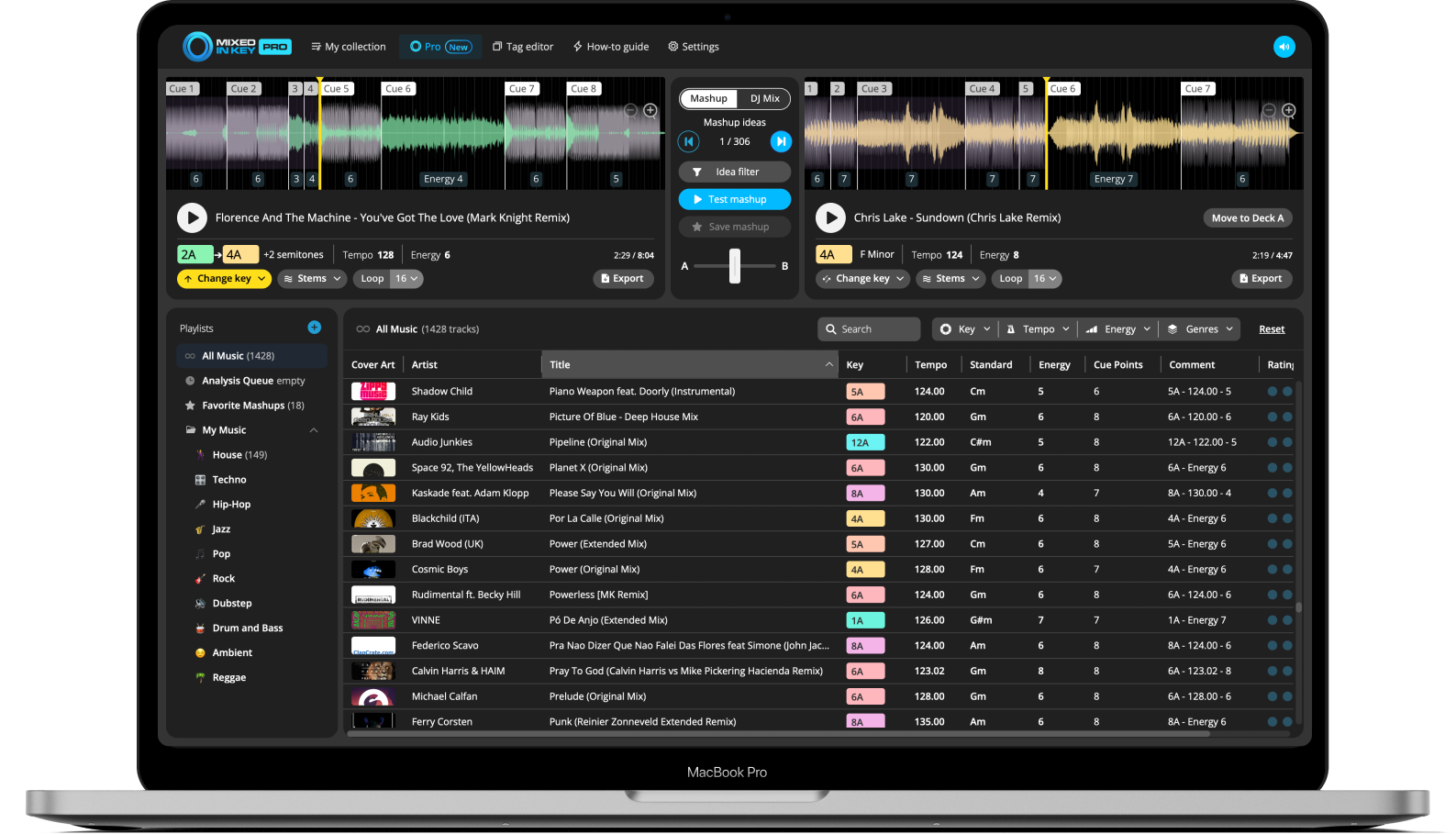
Browse selected tutorialsAnalyze your library, mix in compatible keys, prepare cue points and try mashup ideas. Guides for Standard and Pro.
Explore DJ workflows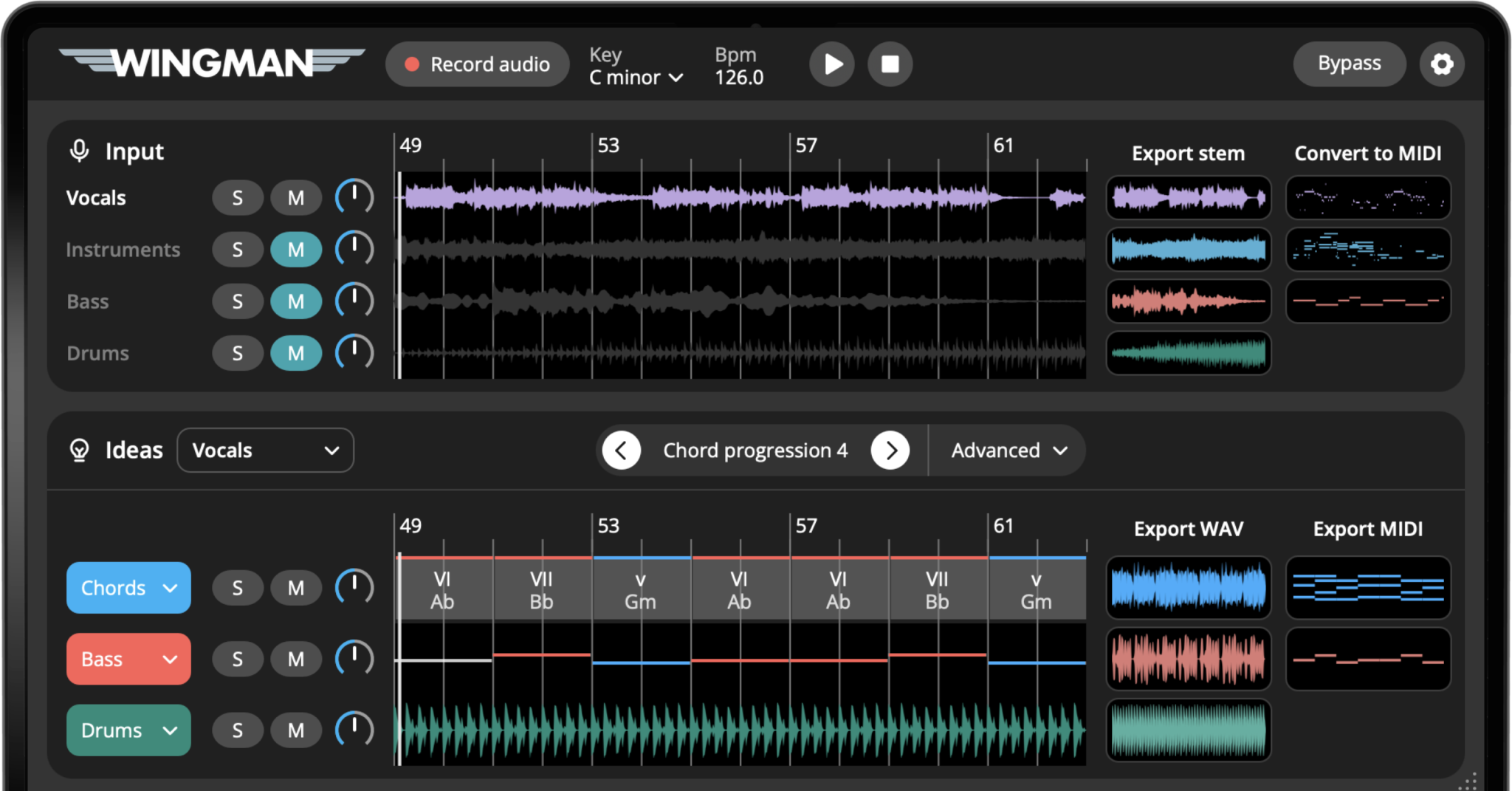
Build chords around a vocal, turn audio into MIDI, work with stems, and add drums or guitars to your track.
Explore producer workflows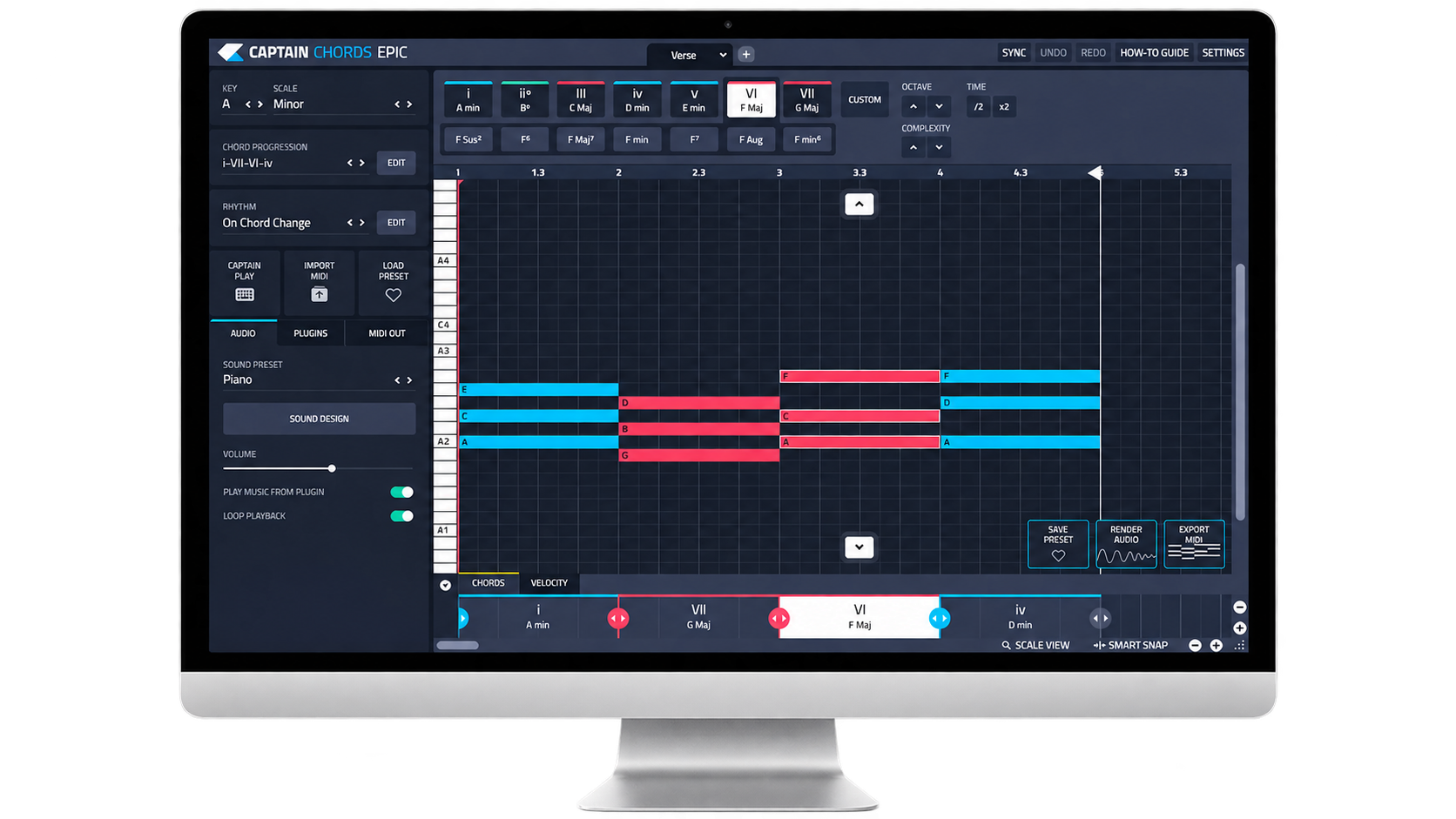
Learn how chords, melodies and basslines work together. Follow composition guides and put music theory into practice.
Explore Captain guidesChoose what you want to do. Each guide takes you through the process with examples and practical steps.
Use Camelot notation to find compatible tracks, then check tempo, phrasing and the sound of the blend.
Read the tutorial Wingman · Chords & vocalsKeep your vocal as the starting point. Compare chord progressions and basslines against the recording.
Read the tutorial Captain Plugins · Chord basicsFind the notes in major and minor chords, hear the difference and start building a progression.
Read the tutorial Mixed In Key Pro · MashupsTry song combinations, audition vocals and instrumentals, and use key changes to explore different pairings.
Read the tutorial Wingman · Audio to MIDIExtract notes from a melodic recording, check the result, and use the MIDI with an instrument in your DAW.
Read the tutorial Captain Plugins · Melody writingStart with a small set of notes and a simple rhythm, then shape a phrase that works with your chords.
Read the tutorialEach learning hub has its own search and topic filters. Open the hub for your product to find more guides on setup, techniques and everyday workflows.
For installation, licensing or troubleshooting, visit our product FAQs or contact support.