



In this article
A useful instrument collection covers the musical roles you write most often. Choose tools by sound, editing depth and workflow instead of treating a dated “best plugins” list as a requirement for making good music.
Start with the missing musical role
List the parts your tracks need: a dependable bass, a playable keyboard, a lead and a texture may be enough. Then compare that list with your DAW’s instruments. A new plugin is easier to evaluate when it fills a specific gap. Buying several synths with similar presets can leave the original problem untouched.
Choose between synthesis and preset-led playing
A synthesizer such as Vital offers detailed control over oscillators and modulation. A preset-led instrument such as Analog Lab Play gets you to a range of playable sounds quickly. Neither workflow is inherently better. Choose editing depth when you enjoy building sounds; choose immediacy when you need to capture a musical idea without interrupting it.
Test a sound with your own MIDI
Use a short phrase containing low notes, high notes, repeated notes and changing velocity. A preset that impresses on a held chord may respond poorly to the bass line you actually need. Disable unnecessary built-in effects and listen again. This reveals the core sound and makes it easier to fit into an existing mix.
Check envelopes before replacing the instrument
A patch may seem wrong because its attack arrives late or its release overlaps the next chord. Adjust these controls before abandoning it. Shorten a bass tail, soften a lead attack or reduce a pad’s release in a busy arrangement. Small performance changes often matter more than switching to another large sound library.
Think about the session, not only the sound
Check current format support, installation requirements and how the instrument behaves when the project reopens. A sample library may need more storage; a heavily modulated patch may use more CPU. Render a backup of important parts when collaborating so another producer can hear the intended sound even without the plugin.
Keep an instrument only when it earns a role
Make a short arrangement with the candidate and export it. If you repeatedly return to the same few presets, organize them rather than collecting more. Keep notes about what each tool does well and where it struggles. A small, familiar library supports faster musical decisions and more reliable project recalls.
Try this in your project
Compare two instruments using the same eight-bar MIDI part. Match the level, adjust their envelopes for the phrase and listen in the full mix. Save the winning patch with a descriptive name such as “short warm chord stab,” then archive an audio render.
Quick reference
| Focus | What to try | What to listen for |
|---|---|---|
| Bass | Check low notes and release | Stable pitch and clear rhythm |
| Chords | Compare voicing and velocity | Definition without masking the melody |
| Texture | Automate one movement | Interest without taking over the arrangement |
Work with Captain Chords
Use Captain Chords to sketch the harmony, edit its voicing and rhythm, then develop the arrangement in your DAW.
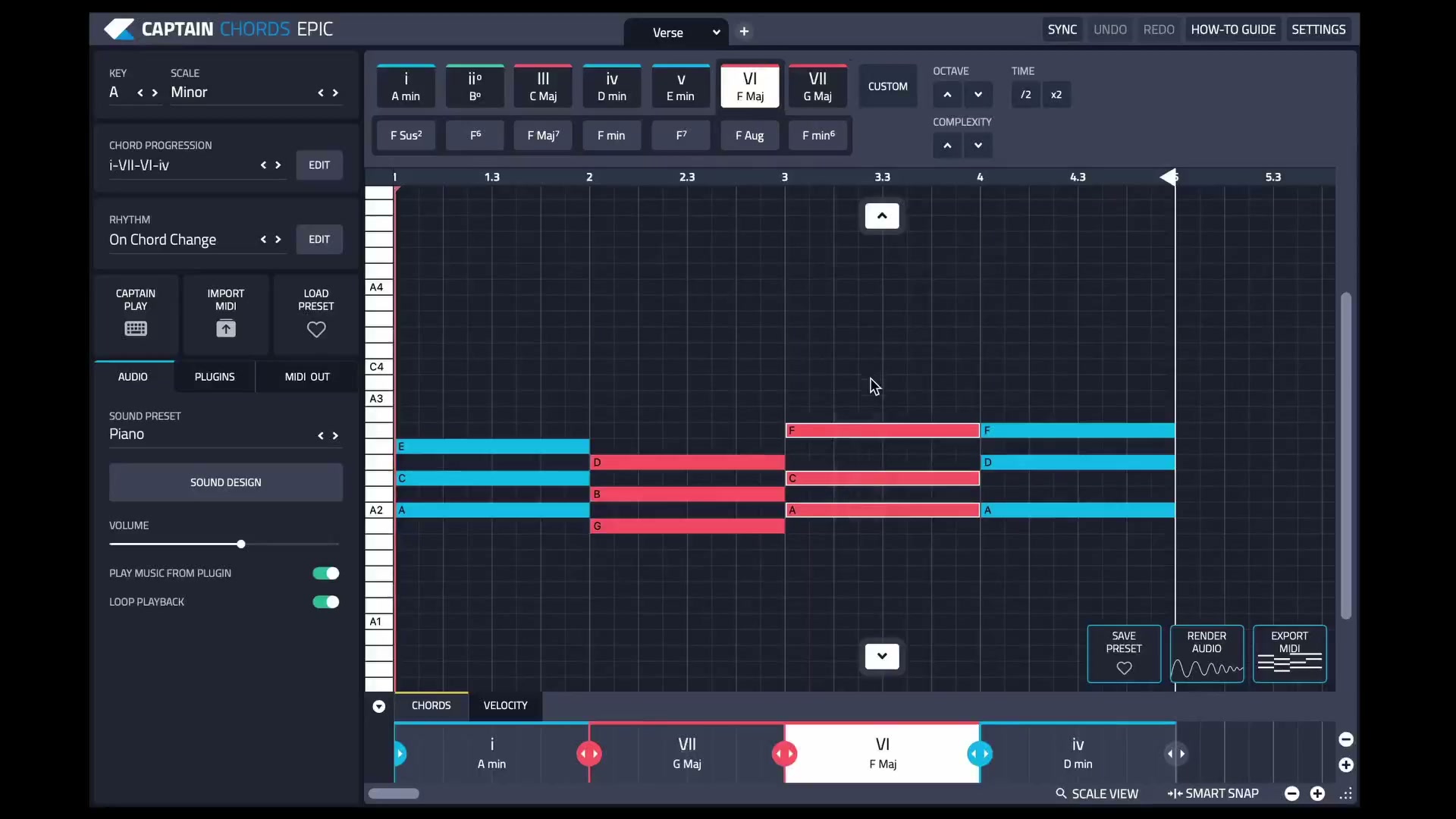
Captain Plugins 8 overview
See the update video for the current canvas and editing workflow.
Useful references
Common questions
Do I need paid instruments to make complete tracks?
No. Included and free instruments can cover many roles. Pay for a tool when its sound or workflow solves a specific need.
Is VST the only plugin format?
No. DAWs and operating systems support different formats, including AU and others. Check current host and developer documentation before installing.