



In this article
Turn a loop into a track by deciding what the listener hears first, what changes and what returns. Section names and lengths depend on the music; begin with a workable draft rather than one universal structure.
Identify the main idea and supporting parts
Mute tracks until you can hear which element carries the identity: a vocal, riff, groove or texture. Label the remaining parts by role. This makes it easier to decide what can leave during a quieter section and what must remain recognizable.
Create a rough timeline
Place a beginning, a first statement, a contrasting passage and a return in the DAW. Use temporary lengths, then adjust them after a full listen. A verse–chorus song and a gradually evolving instrumental can use different structures while both having clear development.
Change one dimension at a time
Density, register, harmony, rhythm and sound can all create contrast. Try a section with fewer drums before writing new chords. If every dimension changes at once, the track may feel disconnected; preserve one recognizable element through the transition.
Write the transitions, not just the sections
Loop across a boundary and listen for awkward note tails, an early vocal entry or a bass change that obscures the next downbeat. Fix the musical connection before adding effects. A short gap or pickup note may do more than a large riser.
Evaluate the pace from start to finish
Export a draft and note where your attention drops. Shorten repeated material when it has finished its job, or extend a section if the next event arrives before it has developed. References can help you ask questions about pacing without dictating your exact bar count.
Try this in your project
Arrange an existing loop into four contrasting sections using only its current sounds. Export the result, mark one rushed transition and one repetitive passage, then revise those two places.
Quick reference
| Focus | What to try | What to listen for |
|---|---|---|
| Identity | Choose the lead idea | A consistent point of focus |
| Contrast | Change density or register | A new section with a clear relationship |
| Pacing | Listen without stopping | Development at the right rate |
Work with Captain Chords
Use Captain Chords to sketch the harmony, edit its voicing and rhythm, then develop the arrangement in your DAW.
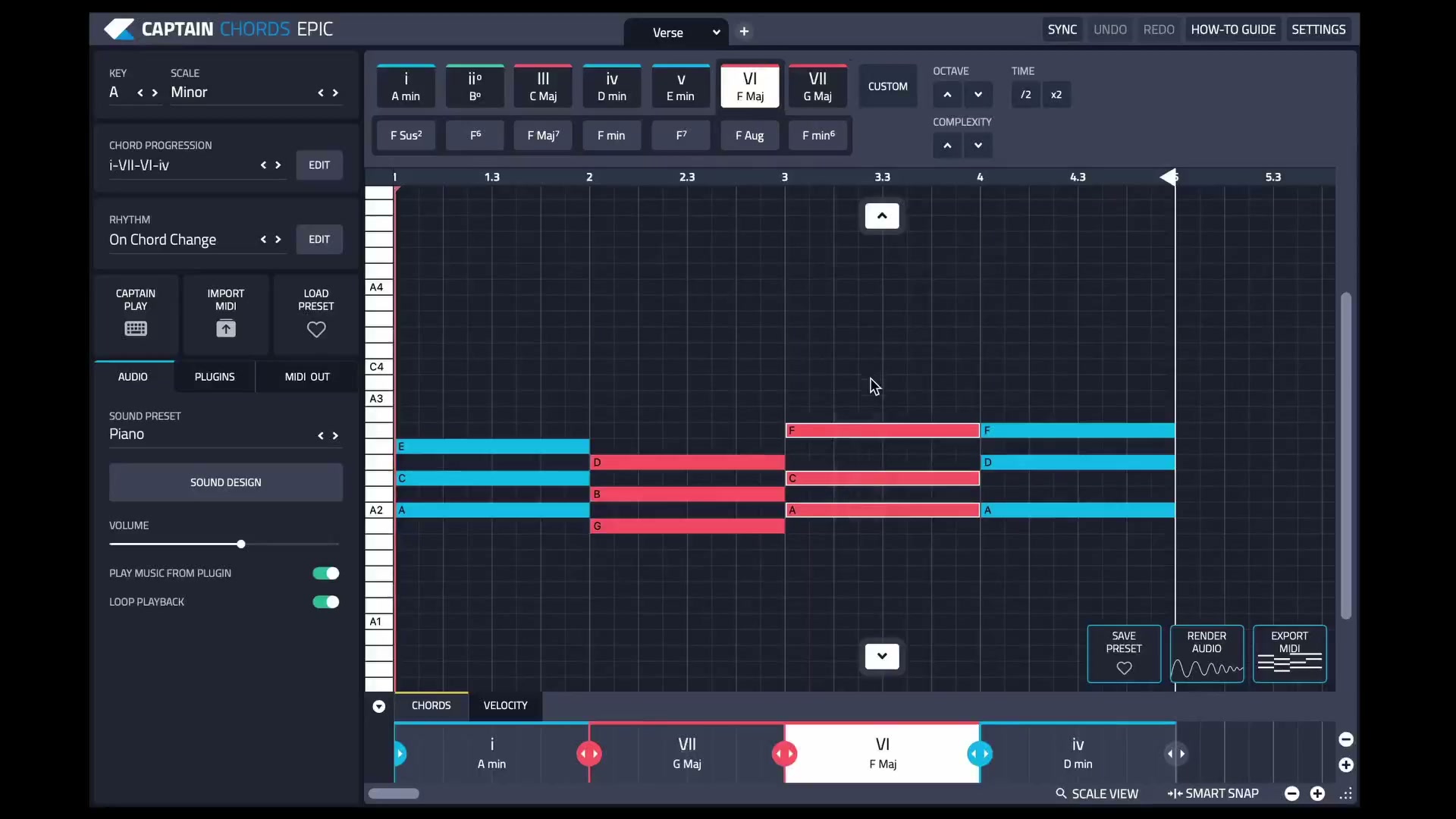
Captain Plugins 8 overview
See the update video for the current canvas and editing workflow.
Common questions
Does every genre have a fixed arrangement?
No. Conventions are useful references, but individual tracks use many structures and section lengths.
Do I need more sounds to finish an arrangement?
Often you can develop the existing material through subtraction, variation and timing before adding new layers.