


In this article
To put music on streaming services, most independent artists work with a distributor. The practical job is to deliver the correct master and metadata, confirm rights and credits, then verify the release after it reaches each service.
Choose a distributor around your actual needs
Compare current fees, supported stores, payment arrangements, release changes and support. The best fit for one occasional single may differ from a label catalogue or a frequent release schedule. Read the provider’s current terms before committing. Do not choose only from an old price comparison, because services and plans can change.
Finish and label the master
Keep one clearly named approved master and play it from beginning to end outside the DAW. Check the start, fade, silence, distortion and channel balance. Follow the distributor’s current audio requirements rather than applying an arbitrary loudness target. Retain a separate high-quality archive and avoid repeatedly converting a lossy file.
Prepare credits and identifiers carefully
Write the artist name, track title, contributor roles and release title exactly as they should appear. Confirm spelling with collaborators before submitting. Keep identifiers and version notes in a release document so alternate mixes do not become confused. A small metadata mistake can be harder to repair across several services after delivery.
Check that the artwork and audio are yours to release
Use artwork you have the right to distribute and confirm the status of samples, performances and any cover material. Keep the relevant permissions with the project records. A purchased sample library and an extracted commercial recording are different situations. Resolve unclear ownership before setting a release date that collaborators will announce.
Leave time for delivery and corrections
Submission does not guarantee that every store displays the release immediately. Follow the distributor’s lead-time guidance and leave room to fix rejected artwork, credits or files. Prepare a short description and preview material while delivery is processing. Avoid promising a launch time you have not confirmed in the distribution dashboard.
Verify the public release
When the release goes live, open the actual artist and track pages. Check that the music landed on the correct artist profile, the credits are accurate and the audio plays as expected. Record the final links in your release document. Use those verified links in your website and announcements rather than an untested placeholder.
Try this in your project
Create a release folder with the approved master, artwork, a credits sheet and a checklist. Ask a collaborator to verify the track title and credits against the final audio. Submit only after every item has a clear owner and the distributor’s current file requirements have been checked.
Quick reference
| Focus | What to try | What to listen for |
|---|---|---|
| Audio | Check the approved master end to end | The correct version and clean boundaries |
| Metadata | Confirm names and roles | Consistent artist identification |
| Delivery | Open each public release link | Correct audio, artwork and artist page |
Write the parts before mixing them
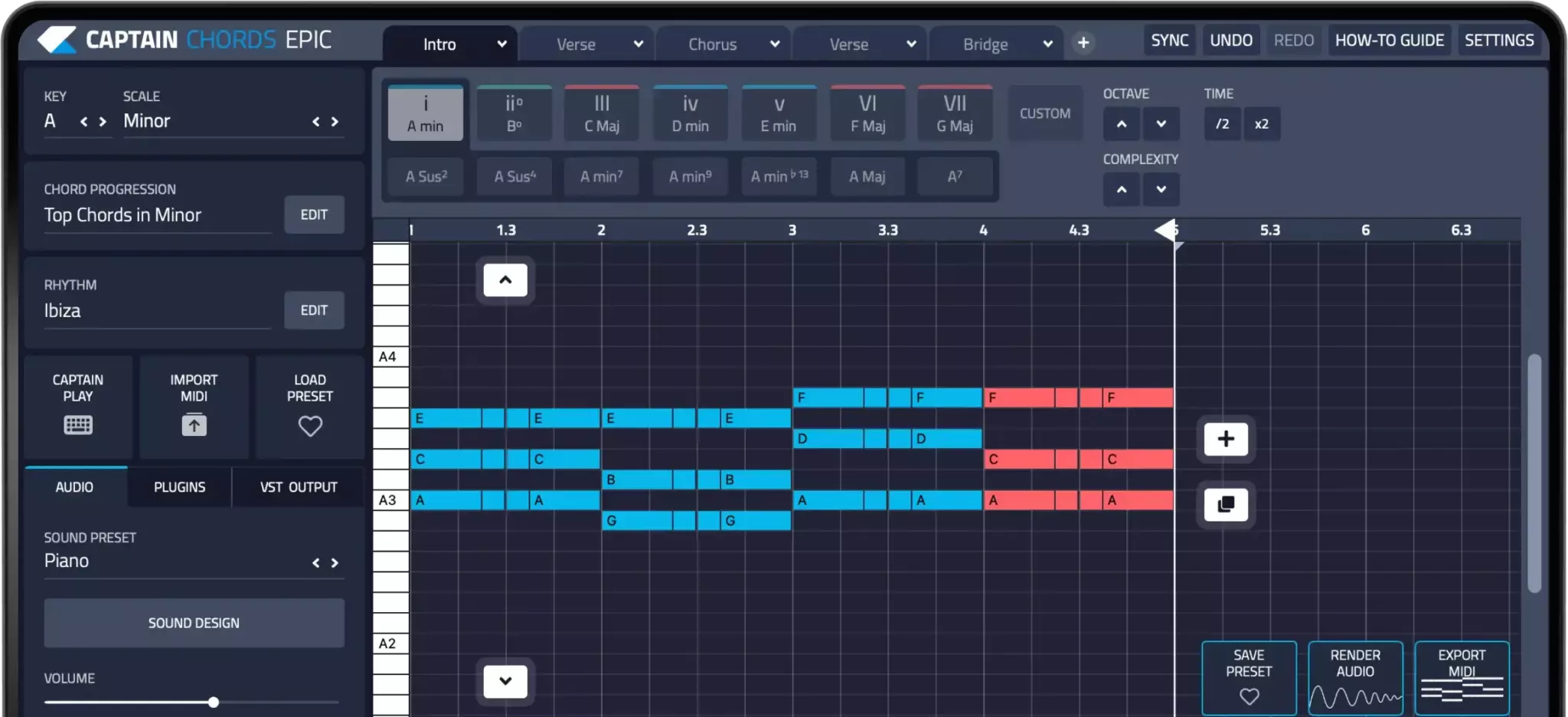
Captain Plugins helps you write chords, melody, bass and drum parts. Balance and process those parts with the mixing tools in your DAW; composition tools do not replace a mix or mastering workflow.
Captain Plugins 8 overview
See the update video for the current canvas and editing workflow.
Useful references
Common questions
Can I upload directly to every streaming platform?
Distribution methods vary. Check the platform’s current artist guidance and choose a distributor where required.
Does changing the master automatically update the release?
No. Replacement and takedown procedures depend on the distributor and store. Confirm their process before delivering a new file.