


In this article
An FL Studio collaboration works best when the recipient can reconstruct the musical idea without guessing. Share a prepared project for compatible setups, or aligned audio and useful MIDI when the other producer uses different tools.
Define the musical handoff
Decide whether the next person is writing a new part, arranging the song or mixing it. Include a short reference mix and write down tempo, time signature and the export start. A clear task prevents the collaborator from spending time on a version or section you did not intend them to change.
Understand what the project file contains
An FL Studio .flp file does not by itself include all sample audio. Image-Line documents the zipped loop package as a way to package the project with relevant samples. Third-party sampler content can require separate handling, so check the actual dependencies rather than assuming every file is automatically included.
Print important plugin sounds
If a collaborator lacks an instrument or effect, send an audio render that preserves its intended result. Add MIDI if they may need to change notes or choose a replacement instrument. Keep the editable original in your own session and name the render clearly to avoid playing it alongside the original by mistake.
Check the exported mixer parts
When preparing separate audio files, verify routing, shared effects and the chosen export range. A sound feeding several mixer paths may not appear as one simple isolated part. Import the exports into a blank project and compare them with the reference mix so missing returns and doubled processing are caught early.
Use Satellite for smaller exchanges when appropriate
Satellite offers audio and MIDI sharing from within a DAW. Follow its FL Studio-specific instructions and test one short part before using it for the whole project. The goal is a simpler exchange, not abandoning clear track names, timing notes or a saved local project.
Keep each collaborator’s version recoverable
Save a new project version before importing returned parts. Label the sender, date and intended role, then check the first downbeat and end of each file. If the rhythm drifts, investigate tempo interpretation or export boundaries before manually moving individual notes to compensate.
Try this in your project
Prepare a four-bar FL Studio sketch with one sample and one third-party instrument. Package the project, include a render of the instrument and send aligned audio alternatives. Ask the recipient to confirm that the rebuilt sketch matches your reference before adding a new part.
Quick reference
| Focus | What to try | What to listen for |
|---|---|---|
| Project package | Include required sample media | A session that opens correctly |
| Audio backup | Render dependent instruments | The intended sound on another system |
| Timing | Reimport before sending | Aligned parts without drift |
Write the parts before mixing them
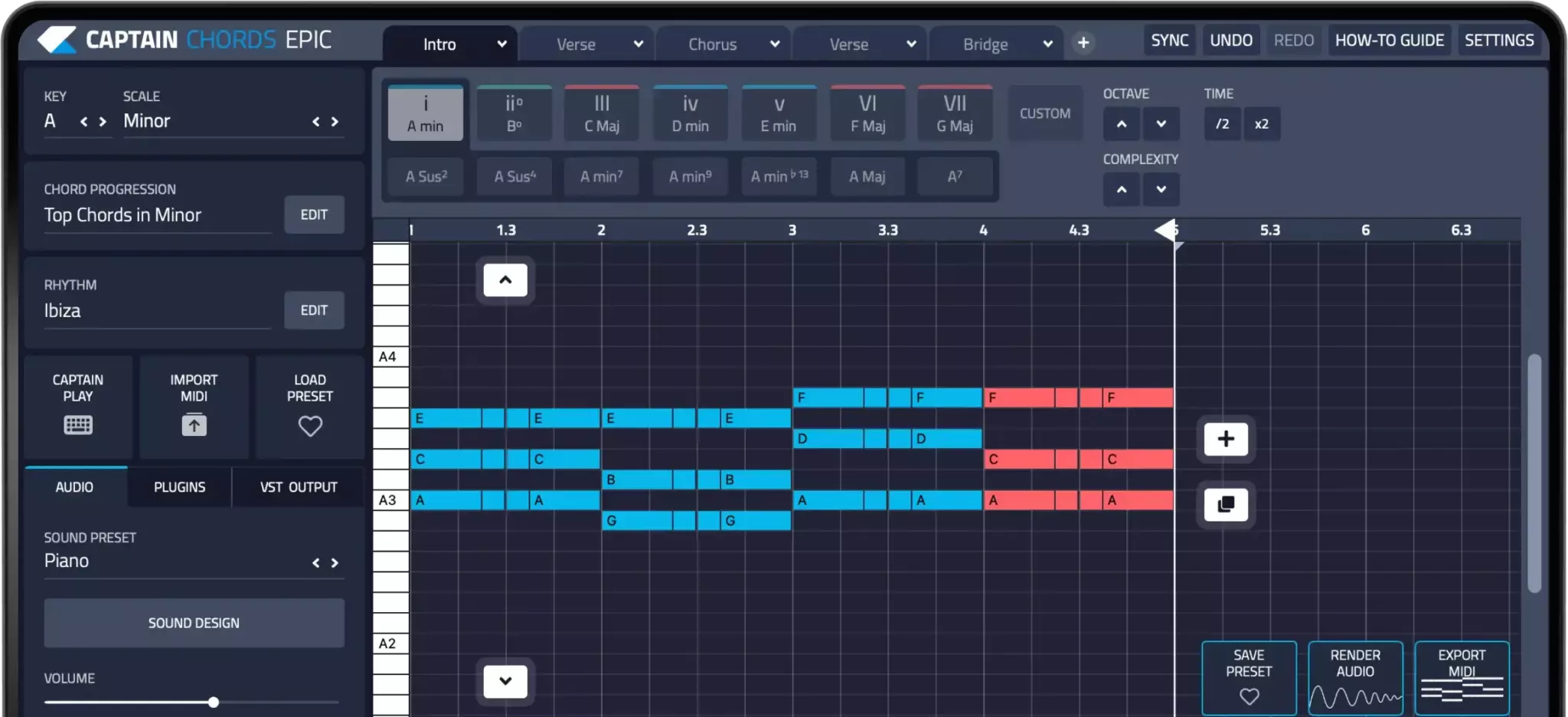
Captain Plugins helps you write chords, melody, bass and drum parts. Balance and process those parts with the mixing tools in your DAW; composition tools do not replace a mix or mastering workflow.
Captain Plugins 8 overview
See the update video for the current canvas and editing workflow.
Useful references
Common questions
Does a zipped loop package include every third-party sampler file?
Not necessarily. Image-Line notes limitations for content inside third-party plugins. Check and render those parts when needed.
Can we collaborate without owning the same plugins?
Yes. Use audio renders for sound and MIDI for editable notes, with a reference mix explaining the arrangement.