


In this article
When mastering your own track, separate the final presentation pass from the mix. Compare at matched levels, make changes with a clear purpose and return to the mix when the problem belongs to an individual part.
1. Start from a stable export
Finish the mix and save a clean version before mastering. Open the export in a separate session so the task is clear. Listen without processing first and make a short list of concerns; a chain of plugins should follow those concerns rather than come first.
2. Fix isolated problems in the mix
If one vocal line is too quiet or one snare fill is harsh, adjust that source instead of processing the entire stereo file to compensate. Export a new version and replace the old premaster carefully so the mastering session uses the intended mix.
3. Compare references at similar loudness
Use a reference for balance, low-end behavior and dynamics, not as a command to copy every characteristic. A louder commercial release will often sound fuller in an unmatched comparison. Turn it down before deciding your mix needs more bass or brightness.
4. Watch what limiting changes
Increase level in small steps and listen to kick definition, vocal clarity and sustained high-frequency sounds. If the groove starts to flatten or the low end distorts, back off or revisit the mix. The loudest version is not automatically the most convincing one.
5. Check the deliverable separately
Follow the destination’s current delivery specifications and audition the exact exported file. Check the beginning, ending, transitions and any alternate versions. Keep the premaster and final master distinct, with clear names and a note of which version was approved.
Try this in your project
Create two masters with slightly different limiting amounts. Match their playback loudness afterward and compare the transients, bass and sense of movement. Choose on sound quality before considering the final level.
Quick reference
| Focus | What to try | What to listen for |
|---|---|---|
| Source | Use the intended premaster | No accidental old mix |
| Processing | Listen to limiter side effects | Preserved groove and clarity |
| Delivery | Check the exact export | Correct version and complete tails |
Write the parts before mixing them
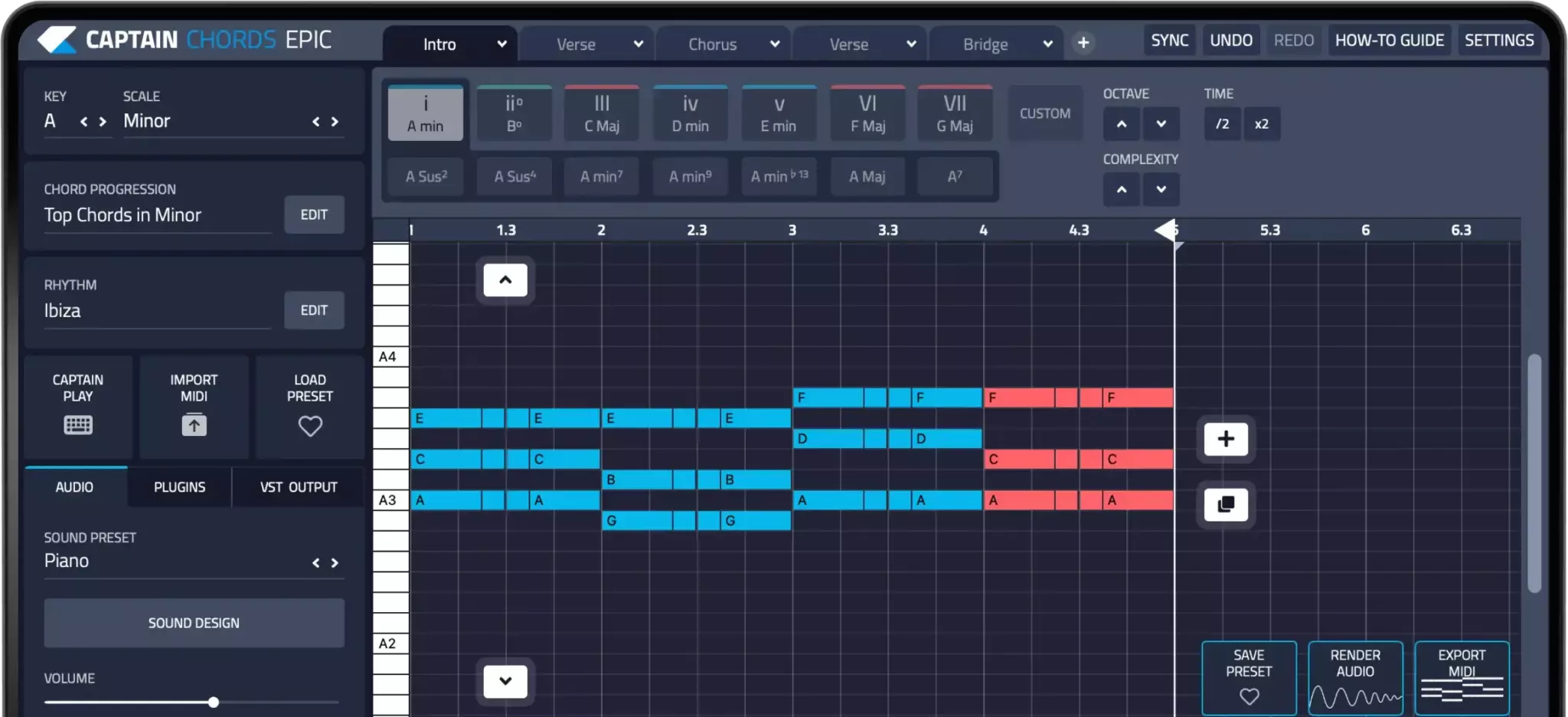
Captain Plugins helps you write chords, melody, bass and drum parts. Balance and process those parts with the mixing tools in your DAW; composition tools do not replace a mix or mastering workflow.
Captain Plugins 8 overview
See the update video for the current canvas and editing workflow.
Common questions
Is one LUFS number correct for every release?
No. Delivery requirements and playback normalization vary, and musical dynamics still matter. Check the destination’s current guidance rather than treating one number as a universal target.
Can mastering repair any mix?
No. Some problems need access to individual tracks. A stereo processor affects other material along with the problem you are trying to fix.