


In this article
Mixing shapes the relationship between individual recorded or programmed parts. Mastering works on the finished mix or supplied stems to refine the overall presentation and prepare the agreed delivery files.
Mixing controls the separate parts
The mix stage includes level, panning, tone, dynamics, space and automation for individual tracks and groups. You can change a vocal word without lowering the drums, or shorten a bass note without altering the piano. That independence is the main distinction from processing one stereo file.
Mastering evaluates the complete result
The mastering pass considers overall balance, dynamics, transitions and delivery. On an album or EP it can also address consistency between tracks. A mastering engineer may request a revised mix if a problem cannot be corrected cleanly from the supplied material.
The same tools can serve different purposes
EQ and compression appear in both stages. An EQ on a single vocal can solve a narrow source problem, while an EQ on the stereo mix affects every instrument in that range. The tool name does not define the stage; the material being processed and the goal do.
Decide where the problem belongs
If a chorus needs more vocal, automate the vocal in the mix. If the entire finished track needs a subtle tonal adjustment, mastering may be an appropriate place to do it. Avoid a large stereo correction when a small source edit would preserve the rest of the arrangement.
Deliver versions that are easy to identify
Keep the mix, premaster and final master separately named. Agree on file format, revision process and any instrumental or clean versions. Listen to each exported deliverable rather than assuming that a correct session guarantees a correct file.
Try this in your project
List five changes you want in a track. Mark each as a source-level mix change or an overall presentation change. Make the source edits first, then export a fresh premaster for the remaining decisions.
Quick reference
| Focus | What to try | What to listen for |
|---|---|---|
| Mixing | Work on separate instruments and groups | Balance inside the arrangement |
| Mastering | Evaluate the finished mix | Overall presentation and delivery |
| Revision | Fix a problem at its source when possible | Fewer unintended changes elsewhere |
Write the parts before mixing them
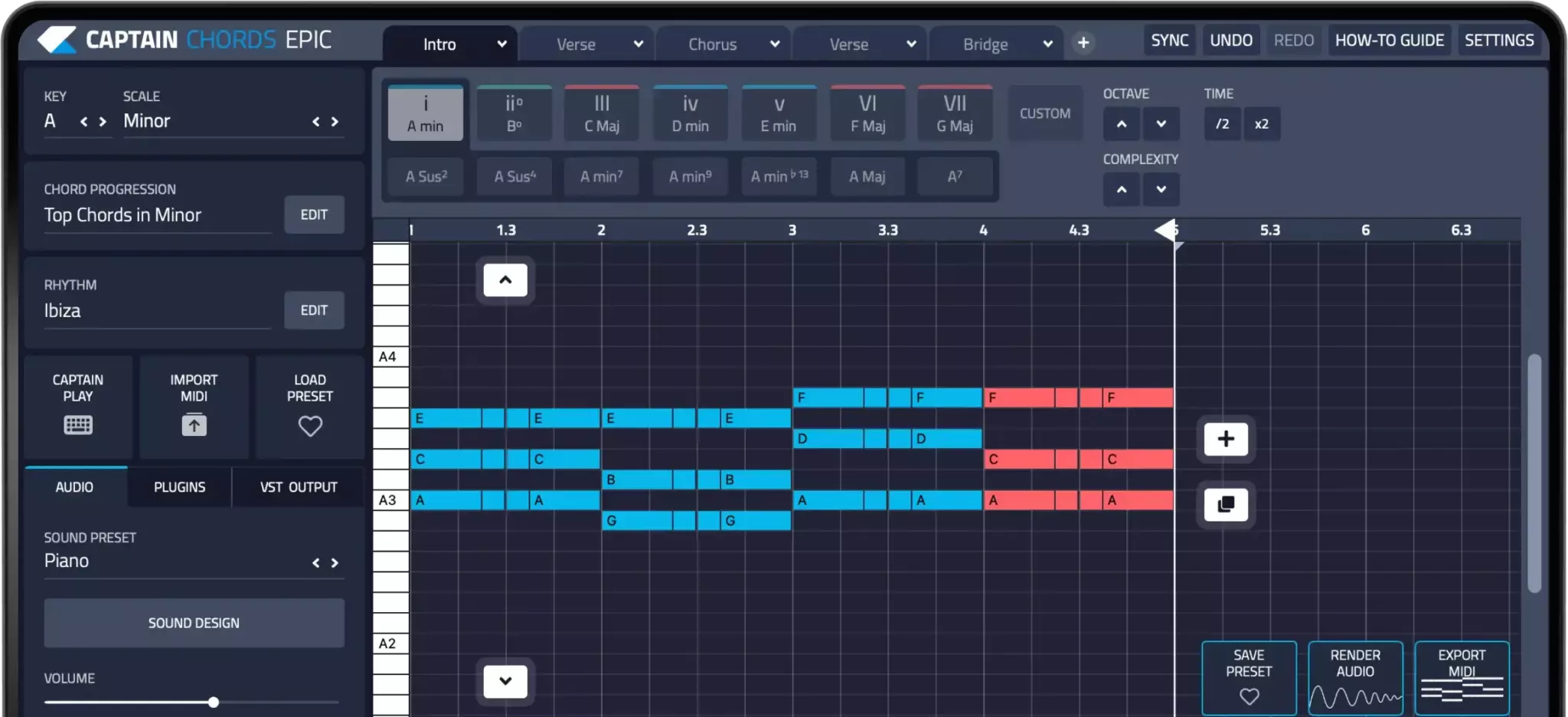
Captain Plugins helps you write chords, melody, bass and drum parts. Balance and process those parts with the mixing tools in your DAW; composition tools do not replace a mix or mastering workflow.
Captain Plugins 8 overview
See the update video for the current canvas and editing workflow.
Common questions
Can I mix and master in the same project?
Yes, but separate versions or sessions can make comparisons and deliverables easier to manage.
What is stem mastering?
It uses grouped audio parts rather than only one stereo mix. The scope and responsibility should be agreed, because it gives more control over internal balance.