


In this article
A trap beat needs the melody, bass and drums to leave room for one another. Establish a clear half-time backbeat, make the 808’s pitch and note lengths deliberate, and use rolls or fills as occasional accents rather than constant decoration.
Choose how you count the tempo
For this exercise, set the project to 140 BPM and put the main snare or clap on beat three of each 4/4 bar. This gives a half-time feel. You could describe the same pulse at 70 BPM with different grid values. Decide how you are counting before copying note positions from a tutorial.
Write a short motif with space
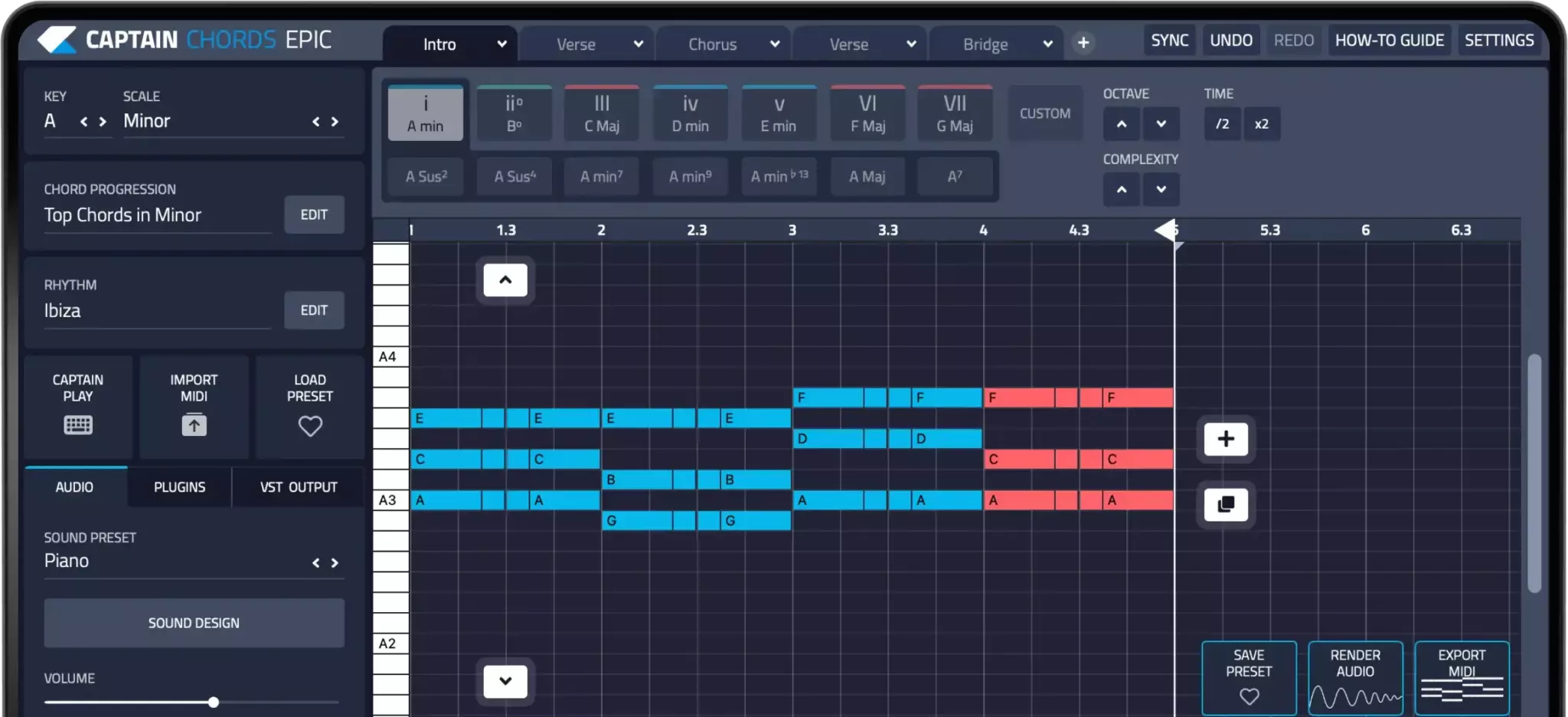
Choose a narrow group of notes and a sound that has a clear identity, such as a bell, pluck or dark piano. Repeat a small rhythmic shape, then change its ending. A four-bar E-minor sketch can use E, G and B with F-sharp as a passing note. This is a writing exercise, not a claim that trap requires one key or mood.
Tune the sustained 808
Identify the stable pitch of the sample after its initial pitch drop, then check how your sampler maps it across the keyboard. Start with bass notes that support the harmony. Shorten a note if it overlaps the next one in a way you do not want. Glide behavior depends on the instrument’s settings, so test one overlap before programming a whole line.
Decide whether you need a separate kick
An 808 with a strong transient may already provide enough attack. If you add a kick, give the two sounds different jobs and check them together. Try moving or shortening notes before using heavy processing. A bigger waveform does not necessarily make a clearer low end, especially when the layered attacks compete.
Make the hats respond to the phrase
Begin with a simple eighth-note or sixteenth-note pattern. Place a short faster roll before one important snare or section change, then lower its velocity if it dominates the groove. Leave some bars plain. Small changes in spacing and accent can give a rapper more room than a continuous stream of equally loud rolls.
Arrange for a voice
Mute the melody while imagining or recording a guide vocal, then bring it back and check for competing accents. Use drops, shorter bass notes or a changed ending to separate sections. The production example below includes separate melody, drums and 808 clips so you can hear their roles. Its sounds are one approach, not a universal template for the genre.
Listen to the example
Listen to how the melodic phrase, drum accents and sustained bass leave space for one another.
Follow the bass note lengths and pauses, then listen for those decisions in the full example.
Compare the main backbeat with the faster hat accents. The roles should remain distinct.
Try this in your project
At 140 BPM, make four bars with a clap on beat three, a simple hat pattern and an E-minor motif. Add an 808 part, then create a second version with half as many bass notes. Compare which version leaves more useful room for a vocal.
Quick reference
| Focus | What to try | What to check |
|---|---|---|
| Pulse | Count 140 BPM with a half-time clap | Consistent placement of the backbeat |
| 808 | Tune the sustained pitch and edit releases | Clear bass notes without unwanted overlap |
| Variation | Save rolls and drops for selected moments | Contrast across the phrase |
Work with Captain Beat
Use Captain Beat to sketch the drum part, then compare its pattern and sound choices in the full arrangement.
Captain Plugins 8 overview
See the update video for the current canvas and editing workflow.
Common questions
Should the 808 always play with the kick?
No. They can reinforce some hits and separate on others. Choose the relationship that supports the rhythm and keeps the low end clear.
Are minor chords required for trap?
No. Minor-key material is one option. Rhythm, bass behavior, timbre and arrangement contribute as much as the chord labels.