


In this article
A useful Logic Pro handoff includes the musical context and all material the collaborator needs. Share a complete project for compatible setups, or use aligned audio exports with optional MIDI when software and plugins differ.
Choose between a project and exported parts
Native project exchange preserves more editing detail, but requires compatible software and dependencies. Audio is easier to move between DAWs. Ask what the collaborator will change: a vocalist may need a guide mix, while a mixer needs separate parts and clear processing notes. Prepare only the material that supports that task.
Include the project’s assets
Logic’s project asset settings control which files are copied into the project and which remain referenced elsewhere. Review those settings before transferring the session. A project that plays on your computer may still depend on external audio or sample files. Save the prepared copy and verify it from the location you intend to share.
Render instrument-dependent parts
Keep the MIDI and software instrument in your working project, then export audio showing the approved sound. This protects the musical intention if the recipient does not own the same instrument. Label dry and processed versions clearly. Avoid including several indistinguishable alternatives without telling the collaborator which one is current.
Use a consistent export range
Logic provides track-audio export options, including exporting all tracks as audio files. Choose a common range and check how silence, tails and multi-output instruments are handled. Reimport the result into a clean session. The important test is whether the parts reconstruct the timing and sound you intended.
Explain buses and shared effects
A reverb or delay return can serve several tracks. Decide whether to print it separately or include it with a part, and document that choice. Otherwise the recipient may lose the effect or accidentally double it. Include a reference mix so the relationship between dry material and shared processing is easy to hear.
Make the return version easy to identify
Use a naming convention and a short note listing what changed. Keep incoming files separate from the last approved session until they have been checked. Confirm tempo, start position and any new dependencies. These habits matter more than the particular storage service used to send the project.
Try this in your project
Export a small Logic arrangement containing a software instrument, an audio track and a shared reverb. Rebuild it from the exports in a blank session and compare it with the reference. Correct any missing tails, timing offsets or duplicated effects before sending it.
Quick reference
| Focus | What to try | What to listen for |
|---|---|---|
| Assets | Copy required project media | A transferable session |
| Exports | Use aligned audio and optional MIDI | Portable musical parts |
| Effects | Document shared returns | The intended balance without duplication |
Write the parts before mixing them
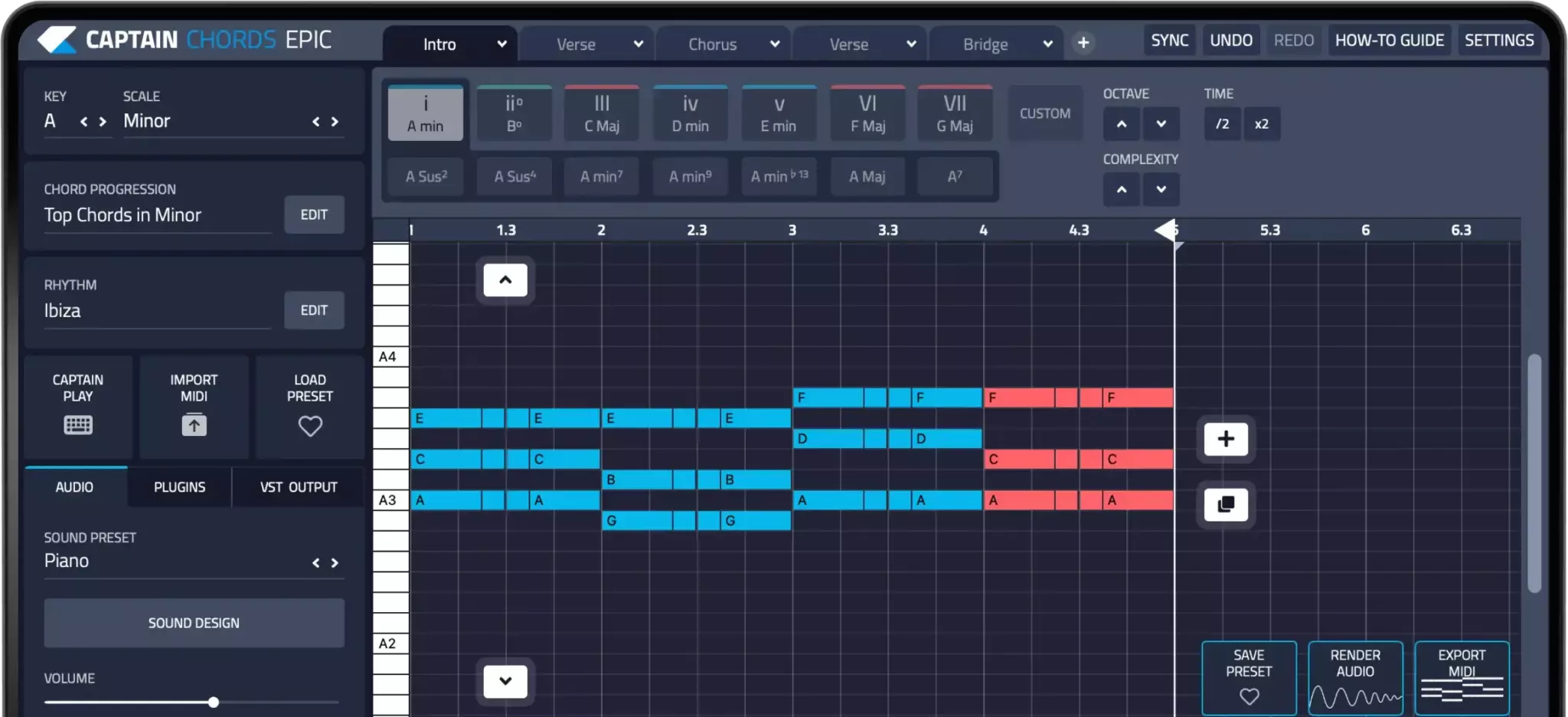
Captain Plugins helps you write chords, melody, bass and drum parts. Balance and process those parts with the mixing tools in your DAW; composition tools do not replace a mix or mastering workflow.
Captain Plugins 8 overview
See the update video for the current canvas and editing workflow.
Useful references
Common questions
Does saving a Logic project always include every audio file?
No. Asset settings determine what is copied and what remains externally referenced. Check them before sharing.
Can someone using another DAW work on the music?
Yes. Aligned audio files and MIDI can communicate the parts, even when the native Logic project cannot be opened.