Get special upgrade deals!Sign in to see if you qualify for deals.
Your cart is empty
There are no items in your cart
Taxes:Calculated at checkout
Subtotal:$0.00
Keep shopping
You own this software | Purchased on
Included Software:
Get special upgrade deals!Sign in to see if you qualify for deals.
Join Mixed In Key
Please log in again to continue.
Please sign in to view your owned products.
or
Email address
Please enter a valid email address.
By signing in, you consent to receive marketing emails and text messages from Mixed In Key. You may opt out at any time.
To verify your email, we've sent an email to . This code will expire in
You can resend your code in ()
Didn't get a code?
You've entered an invalid code. Please try again
Your code has been resent, check your inbox. If you're having trouble check your junk mail.
Tell us about yourself
Please enter your first name
‘Pop Smoke Type Beat’ Explained
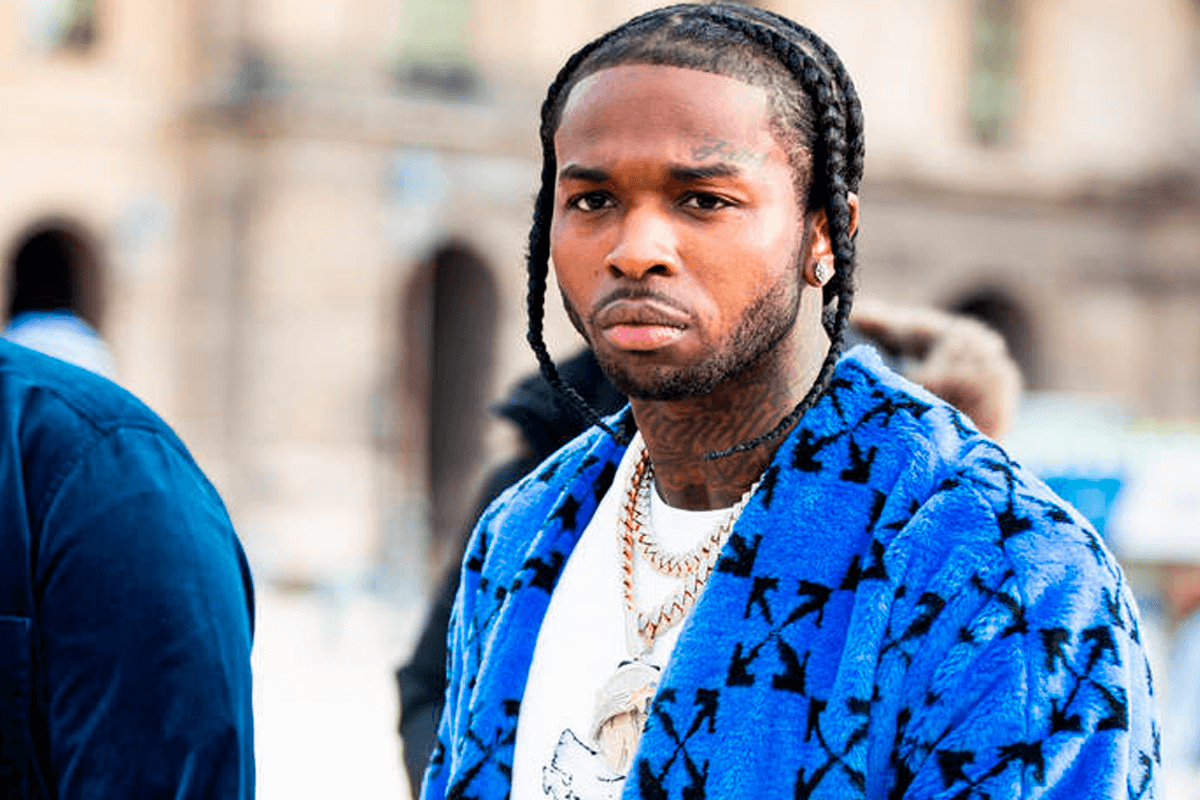
The late great Brooklyn rapper Pop Smoke is largely responsible for popularizing the modern drill sound in the United States. The 20 year old was on the fast track to superstardom before his untimely demise at the hands of would-be robbers who ambushed him in a Hollywood Hills Airbnb on February 19th, 2020. Both Pop Smoke’s voice and beat selection were extremely unique, exposing American audiences to the rhythms and cadence of the UK-based drill rappers he was inspired by. Now drill is one of the fastest growing subgenres in all of rap and Pop Smoke’s legacy will not be forgotten any time soon as the man who paved the way for other American drill rappers like Fivio Foreign, 22Gz, Sheff G and Sleepy Hallow. This article will explore the makeup of a drill-based Pop Smoke type beat so rappers and music producers alike can take advantage of this new, exciting style in rap.
Keys And BPMs
Most modern drill music has a surprisingly rigid BPM range and Pop Smoke’s most iconic drill records were no different. You can expect a Pop Smoke type beat to sit somewhere between 140-145 BPM. C minor is a popular key for Pop Smoke type beats and drill beats at large, as the instrumentals typically have a dark and ominous feel. Pop Smoke’s biggest song Dior, however, was in G major, so that’s a safe bet as well.
Melodic Elements And Sound Selection
Pop Smoke type beats include dark, gritty piano melodies and a lot of ethnic, exotic, almost Middle Eastern-sounding samples. Wide pads also help to support the main melodic elements and make the beats even fuller.
Drum Elements
Pop Smoke type beats contain many of the same drum sounds you hear in modern trap music but their placement and usage differ from typical trap. The snares in the second and fourth bars of each measure are delayed and the hi hat patterns have a very specific cadence that compliments the unusual snare timing. The most distinct difference from normal trap music comes in the bass line. Pop Smoke type beats in the drill style utilize extremely complex sub basses that glide from one note to the other in almost the same way that certain styles of EDM employ. These make the bass lines particularly melodic compared to other subgenres of rap.
Making A Pop Smoke Type Beat From Scratch
Watch as luke4pres makes a drill-based Pop Smoke type beat with Captain Plugins.
How Captain Plugins Can Help
Captain Chords can help you cook up some dark and ominous chords, perfect for Pop Smoke type beats. Use a piano or pad preset of your choosing from Captain’s vast library of sounds. Then load up Captain Deep to get some inspiration for a signature drill bass line.
Need more Pop Smoke type beats? Be sure to visit luke4presbeats.com for a gigantic selection of drill, trap, boom bap, and R&B beats all made by rap producer luke4pres himself.