


How to Choose the Right DJ Headphones
Updated
Choose headphones that let you hear the cue signal clearly and feel comfortable during a set. Isolation, fit, a reliable connection and repairable parts are more useful starting points than a headline frequency-response number.
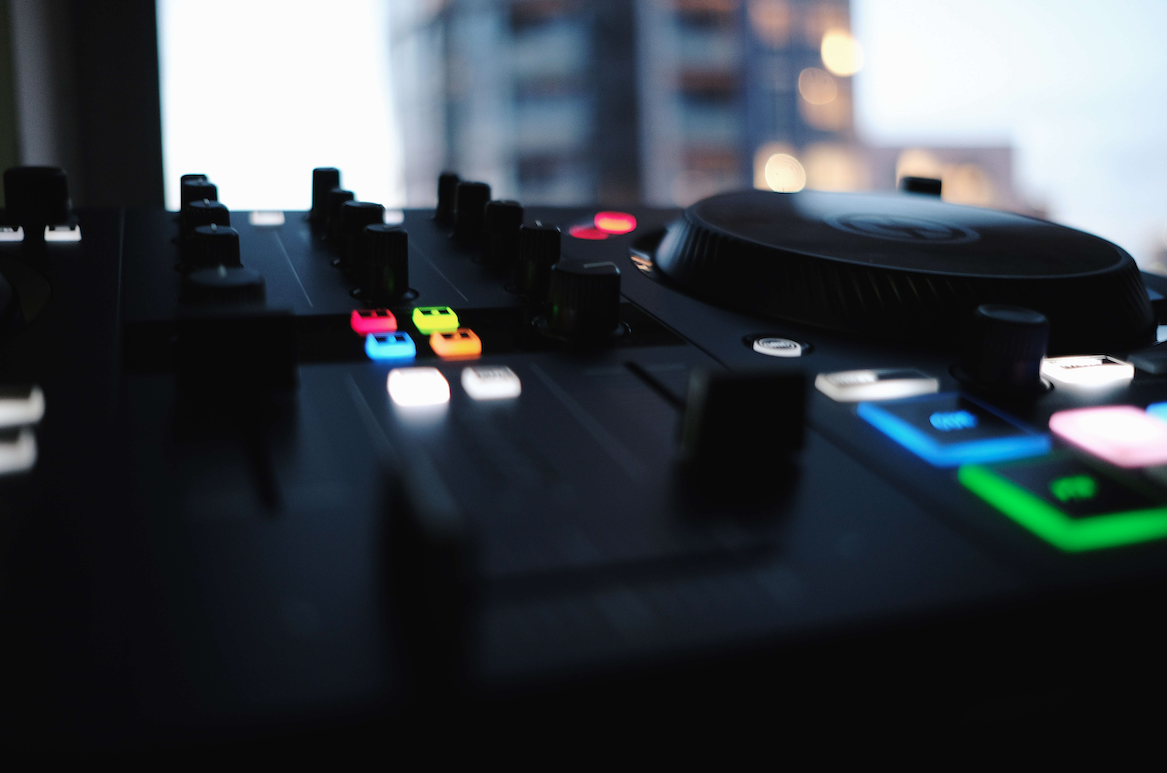
Check isolation and cue clarity
Compare how clearly you can hear a kick, vocal and phrase change with the headphones connected to your own mixer or controller. A closed design and a good ear-pad seal can help reduce booth sound, but the fit matters as much as the specification.
Do not judge performance by turning the cue level up as far as possible. Start at a comfortable level and check the cue/master balance. A very wide advertised frequency range does not by itself establish sound quality.
Try the way you monitor
If you monitor with one ear, check whether the cup moves comfortably and stays in place. If you monitor with both ears, test the cue/master blend and make sure you can still follow the booth when needed.
Wear the headphones for a while rather than judging them from a brief fitting. Pay attention to headband pressure, heat, weight and whether glasses affect the seal.
Inspect cables and replaceable parts
A cable is often the first part to suffer in a DJ bag or busy booth. Check its length, connector, strain relief and whether it can be replaced. Confirm the plug or adapter matches the equipment you use.
Look for replaceable pads and a sensible repair route. Evaluate the total cost of owning the headphones, including parts, rather than only the purchase price.
Match the connection to the job
For cueing, use a connection whose timing you have checked with your setup. Wireless listening can introduce latency or depend on batteries, so test the exact mode before relying on it for beatmatching.
Check whether the headphones remain usable in the wired mode you intend to use. Do not assume that every feature behaves the same way with and without a cable.
A practical comparison checklist
- Can you hear kick and phrase changes clearly at a comfortable level?
- Does the fit suit your preferred monitoring style?
- Does the cable reach without pulling or tangling?
- Are pads and cables replaceable?
- Does the connector work with your mixer or controller?
- Can you return or exchange them if the fit does not work?
Compare current specifications and local prices directly with the manufacturer or retailer before buying. Try the models on the same music and equipment so your comparison has a consistent basis.
Prepare the transition before checking it in headphones
Mixed In Key 11 helps you shortlist tracks using key, BPM and Energy Level, and review automatic Cue Points. Use headphones to check the actual phrases, vocals and basslines at performance tempo.
Pro adds deck players and stem playback for auditioning combinations before you finish an arrangement. The analysis supports preparation; it does not replace a listening check.
Prepare your music with Mixed In Key 11
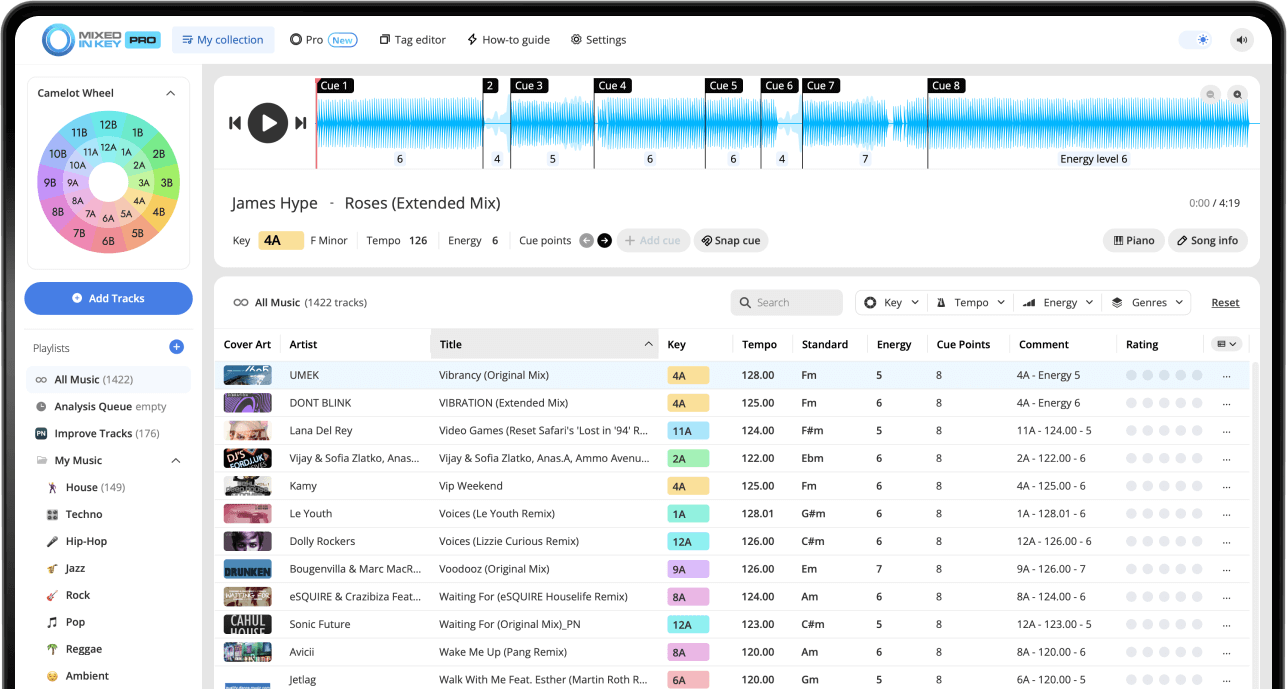
Mixed In Key 11 Standard and Pro analyze musical key, BPM, Energy Level and automatic Cue Points. Use those results to organize your collection and prepare transitions. Review cues against the beat grid, then follow the integration guide for your DJ software.
Pro adds mashup suggestions, deck players, stem playback and key changes so you can audition combinations before finishing them in your DAW.
Put it into practice
Original article by Adam Hignell.