



In this article
Logic Pro’s Tuner checks a single pitch, while Flex Pitch can help inspect notes in suitable recordings. Neither a single detected note nor the project’s key setting proves the key of an imported song. Establish the musical context and use dedicated analysis when it helps.
Separate the project key from the source audio
The project’s key signature is a setting used by parts of Logic’s workflow. It is not a report that every imported recording has been analyzed and assigned that key. Before writing around an unknown loop, listen to its phrase and identify where it seems to settle. Keep that question separate from the key displayed in the project controls.
Use Tuner for a sustained single note
Apple’s Tuner displays the nearest pitch and its tuning deviation. It is useful for a clear monophonic tone, such as a held bass note or an isolated instrumental note. A full chord or busy mix asks a different question. If the display jumps around, simplify the source rather than treating every displayed note as a new song key.
Inspect a melody with Flex Pitch
For suitable monophonic audio, Flex Pitch provides note information you can examine and edit. Apple notes that audio-to-MIDI conversion works best with monophonic material and may misinterpret chords. Inspect the phrase for repeated or sustained notes, but remember that a melody may omit notes needed to distinguish between related keys. Correct obvious detection errors before drawing conclusions.
Add dedicated analysis where useful
A DAW key-analysis plugin such as Mixed In Key Studio Edition can provide another view of a loop or track’s tonal content. Play the relevant phrase through it and compare the result with the notes and chord changes you hear. Use the compatible format for Logic and verify the developer’s current requirements for your system before installation.
Resolve ambiguity with the musical center
C major and A minor share the same basic note collection, so a list of white-key notes alone cannot settle the question. Listen for the note or chord that feels like home and for phrases that reinforce it. Try a simple C-major accompaniment and then an A-minor one under the same phrase; the difference is musical context, not just the note count.
Write a small accompaniment before committing
Start with a plain piano or bass sound and test the important sustained notes against your proposed harmony. Keep the source unchanged while comparing two progressions. If one note clashes, investigate the chord and voicing as well as the detected key. A key label is a starting point for writing; it does not choose every chord in the arrangement.
Try this in your project
Record a short monophonic phrase using A, C, D, E and G. Inspect its notes, then try it over Am and over C. Listen to where the phrase feels settled and write down what the accompaniment changes about the interpretation.
Quick reference
| Focus | What to try | What to check |
|---|---|---|
| Tuner | Inspect a sustained single note | Pitch and tuning deviation |
| Flex Pitch | Inspect suitable monophonic material | Notes in the phrase, checked for errors |
| Key analysis | Compare a suggested key with the harmony | A musically useful tonal interpretation |
Work with Captain Chords
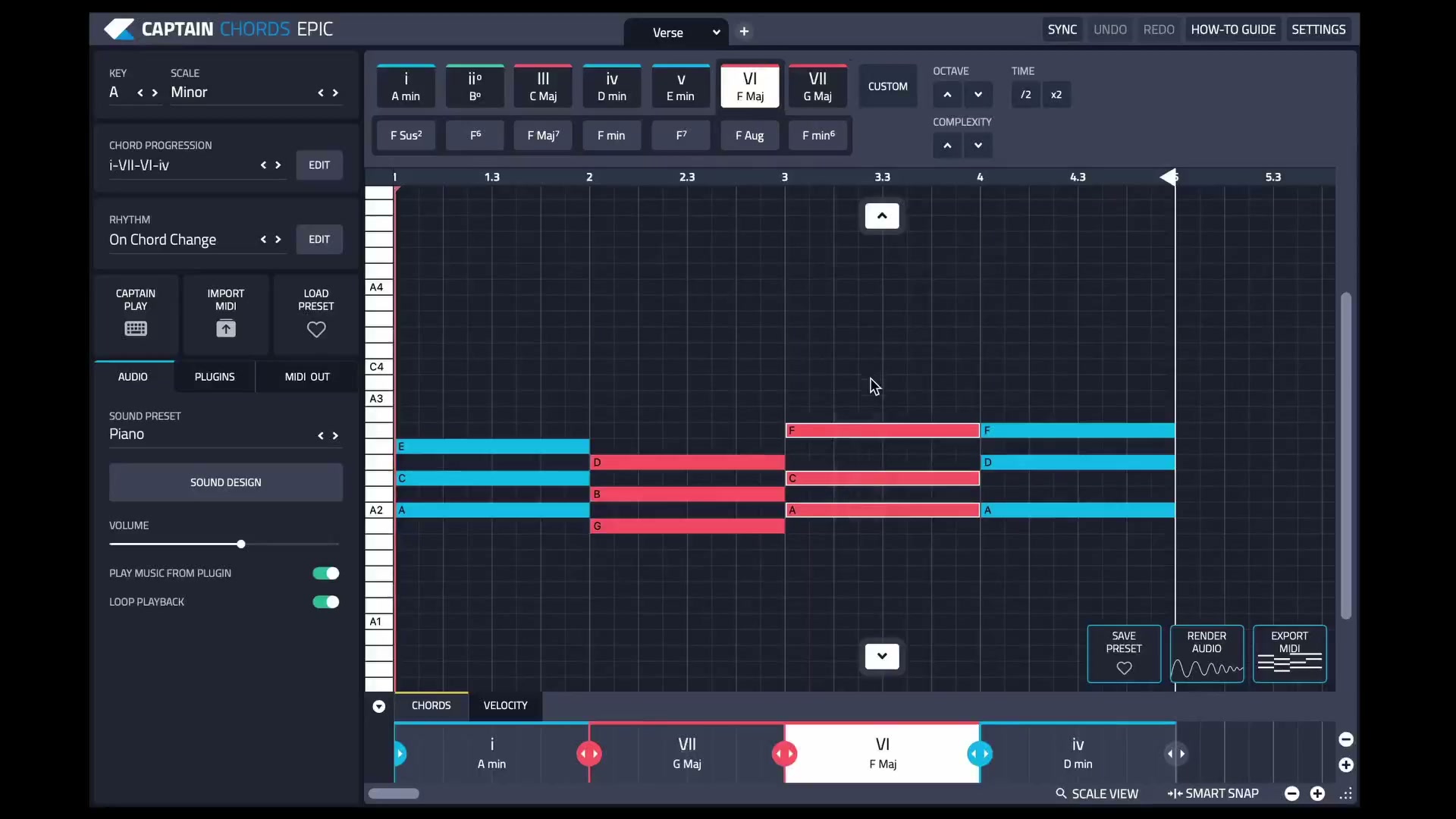
Use Captain Chords to sketch the harmony, edit its voicing and rhythm, then develop the arrangement in your DAW.
Captain Plugins 8 overview
See the update video for the current canvas and editing workflow.
Useful references
Common questions
Can I find a song’s key from its first note?
Not reliably. A melody can begin on many scale degrees, and the first sound may be a pickup or a non-pitched event.
Does changing Logic’s project key retune every recording?
Do not assume that. Project-key behavior depends on the material and settings. Inspect the actual audio and playback rather than treating the display as universal pitch correction.