Your Cart

Get special upgrade deals! Sign in to see if you qualify for deals.
Cart Empty

Your cart is empty

There are no items in your cart

Taxes: Calculated at checkout
Subtotal: $0.00

Keep shopping

Product Image
MixedInKey Logo

You own this software | Purchased on

Included Software:

Get special upgrade deals! Sign in to see if you qualify for deals.

Mixed In Key Pro + DJ.Studio

Special offer, an additional 10% off for a limited time only.

Find perfect mashups, separate stems, and finish your mix fast.

10% OFF

Limited-time offer — sale ends in:

00 Days
:
00 Hours
:
00 Min
:
00 Sec

Get the full workflow before the price goes back up.

How the workflow comes together

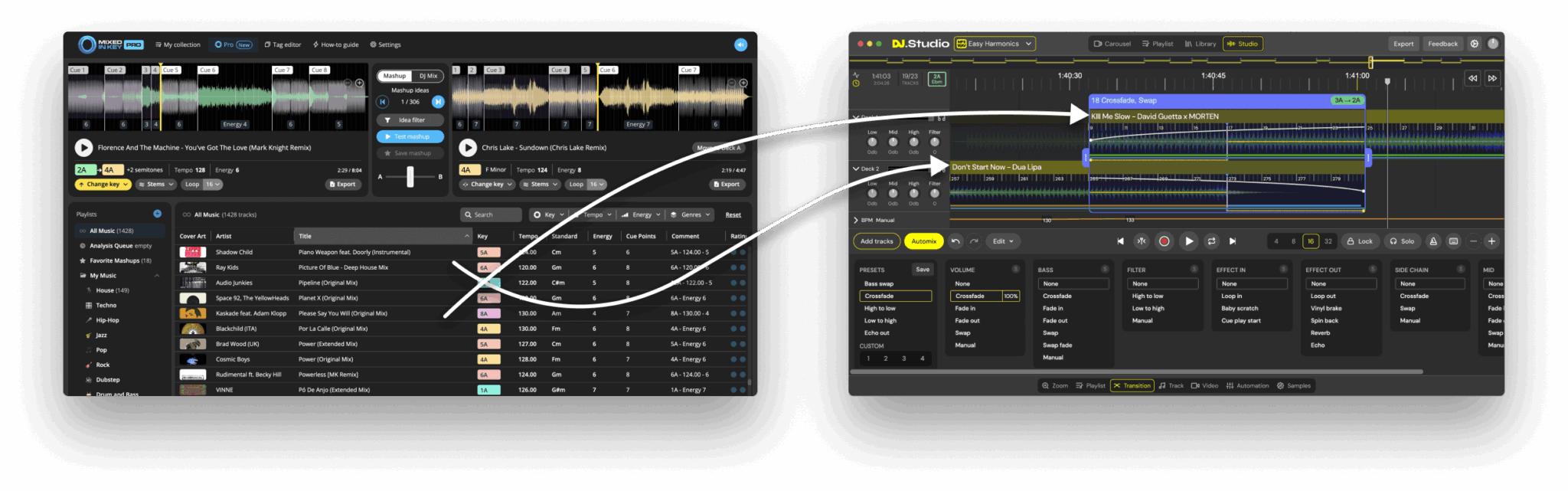
Import your library, get harmonic matches, audition transitions, and export your set — including stems and video.

  • Mixed In Key 11 Pro: most accurate key detection, automatic cue points, mashup & mix idea engines
  • DJ.Studio Pro + Stems: timeline mixing, transitions, stems lanes, video & Ableton exports

Discover new features

From instant stems to smarter suggestions — build mixes and mashups faster.

Get the Bundle

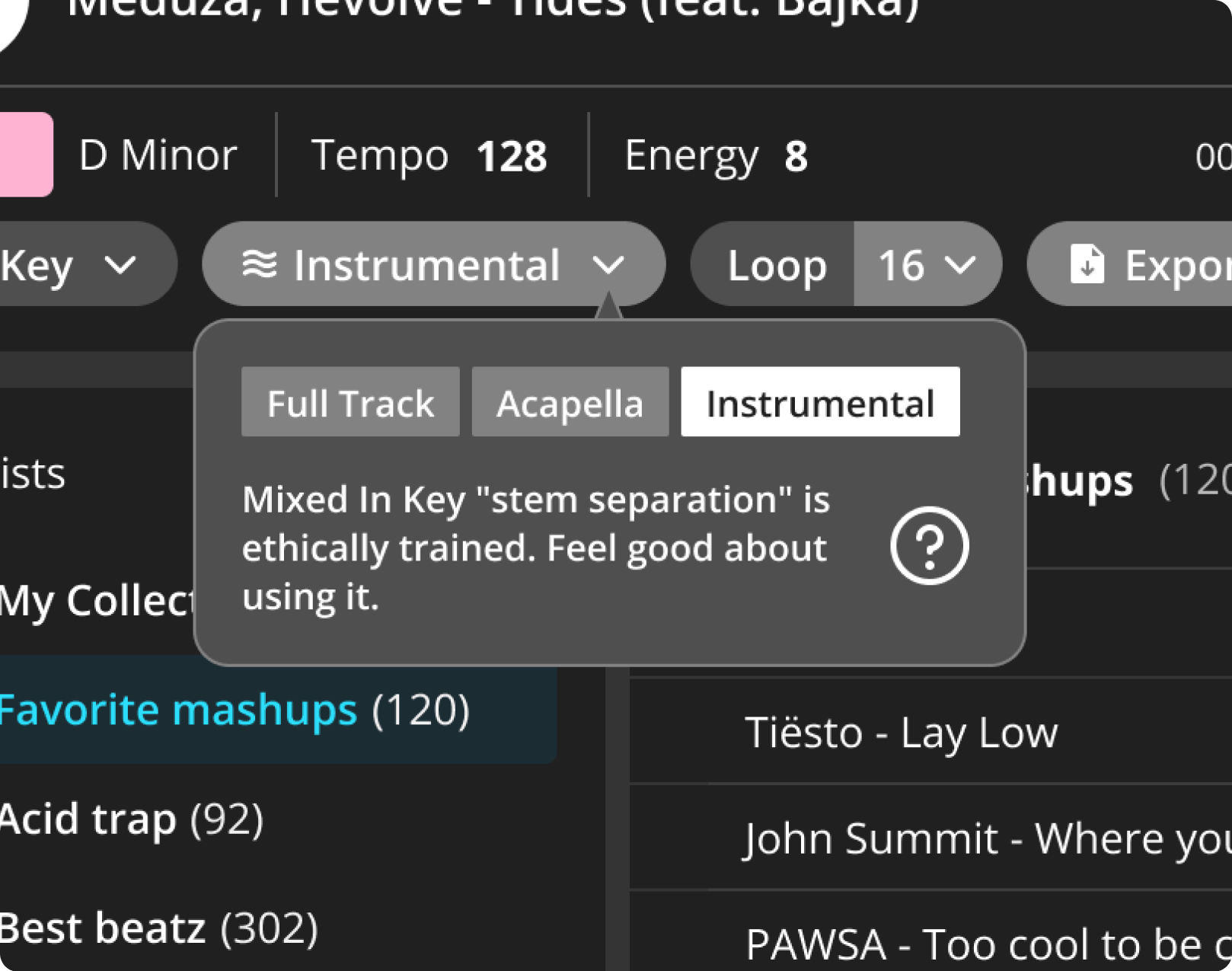
Stem Separation (Highest Quality)

Split any song into vocals and instruments with a click. Export stems — no subscription needed.

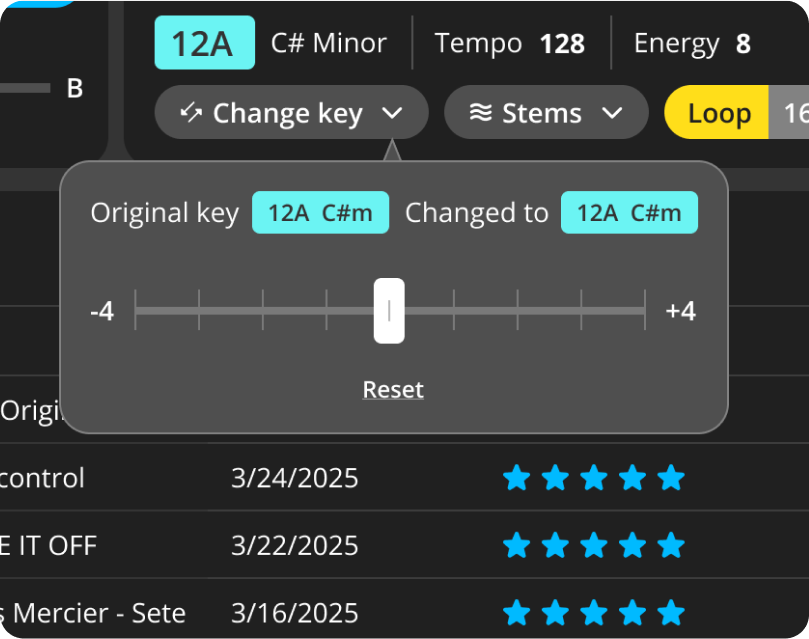
Change the Key to find more mashups

Discover unique pairings. Pitch-shift a track in MIK Pro and get fresh, harmonically-correct suggestions.

Build creative transitions

Timeline mixing with presets, automation, loops, echo & reverb. Export MP3/WAV/Video/Ableton.

A new way to discover
mashups & mix ideas

Check out what’s available on Mixed in Key 11 Pro.
Click each button to see the details.

Tooltip icon

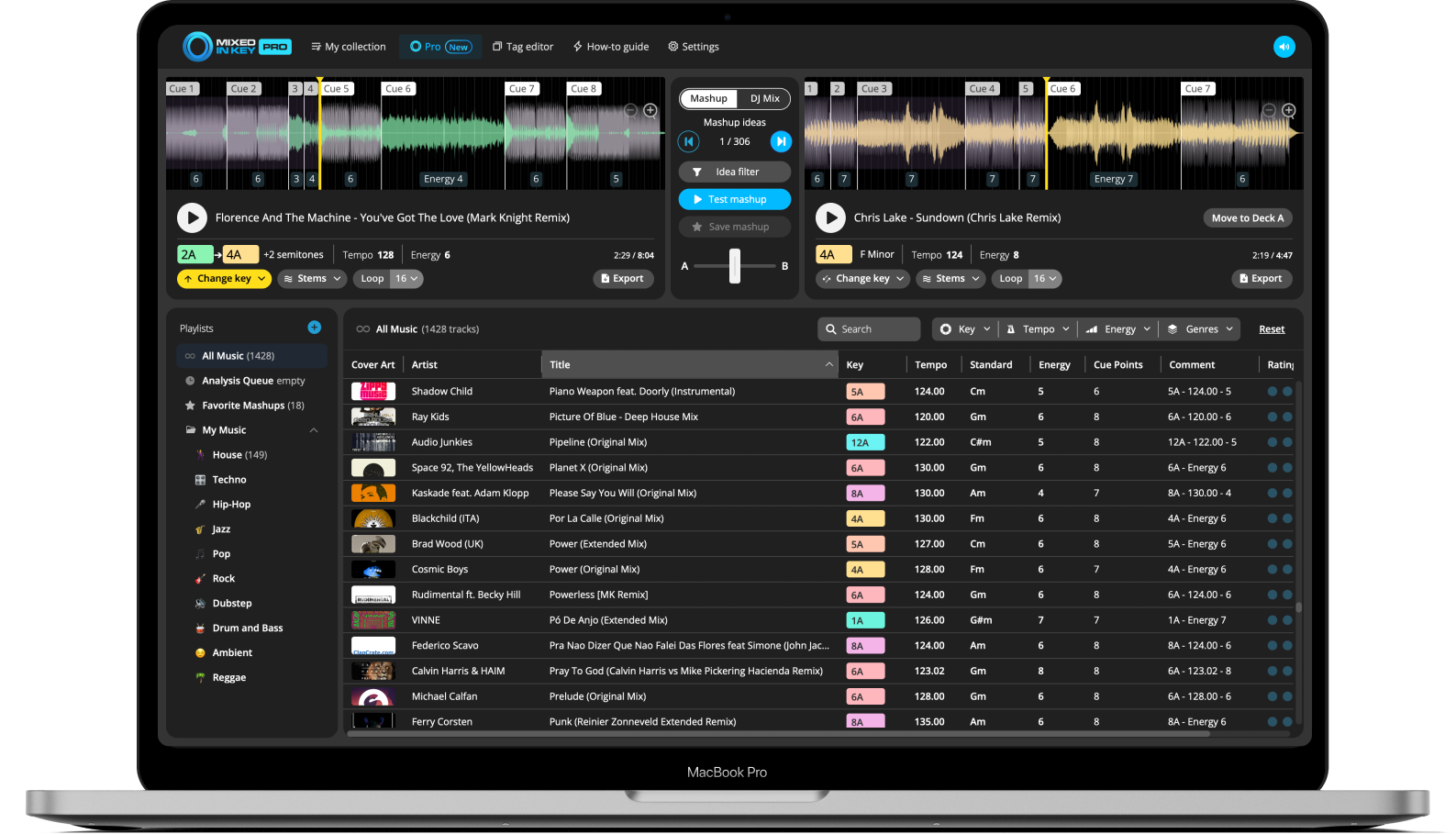
Mashup toggle

In Mashup mode, load a track in Deck A and get perfectly matched mashup suggestions in Deck B.

Tooltip icon

Cue Point

Click this cue point to play its segment, beatmatched with the track on the other deck. Use it to quickly test how different sections of your songs sound together in your mashup.

Tooltip icon

Mashup Ideas

Click the arrows to cycle through mashup suggestions from your library.

Tooltip icon

Idea Filter

Quickly find the best mashup ideas by filtering your library by energy level, tempo, and playlist.

Tooltip icon

Test Mashup

Click this button to play both decks at the same time, perfectly beatmatched. Listen in to see how great your mashup sounds.

Tooltip icon

Pitch Shift

Change the key of any track and get real-time mashup suggestions and exports that match your pitch shift.

Tooltip icon

Favorite Mashups Playlist

This is where all your saved mashup ideas live. Review, rate, and export any mashup idea directly to your DJ software or DAW for further tweaking.

Tooltip icon

Stems

Separate vocals and instruments with precision and export stems straight to your DAW for easy mashups and remixes.

Tooltip icon

Looping

Create custom loops and lock the perfect section to build mashups, layer vocals, or test transitions without breaking your flow.

Tooltip icon

Export your stems

Export vocals, instrumentals, or the full track in both the original and updated key and tempo—your edits included.

Mashup
Tooltip icon

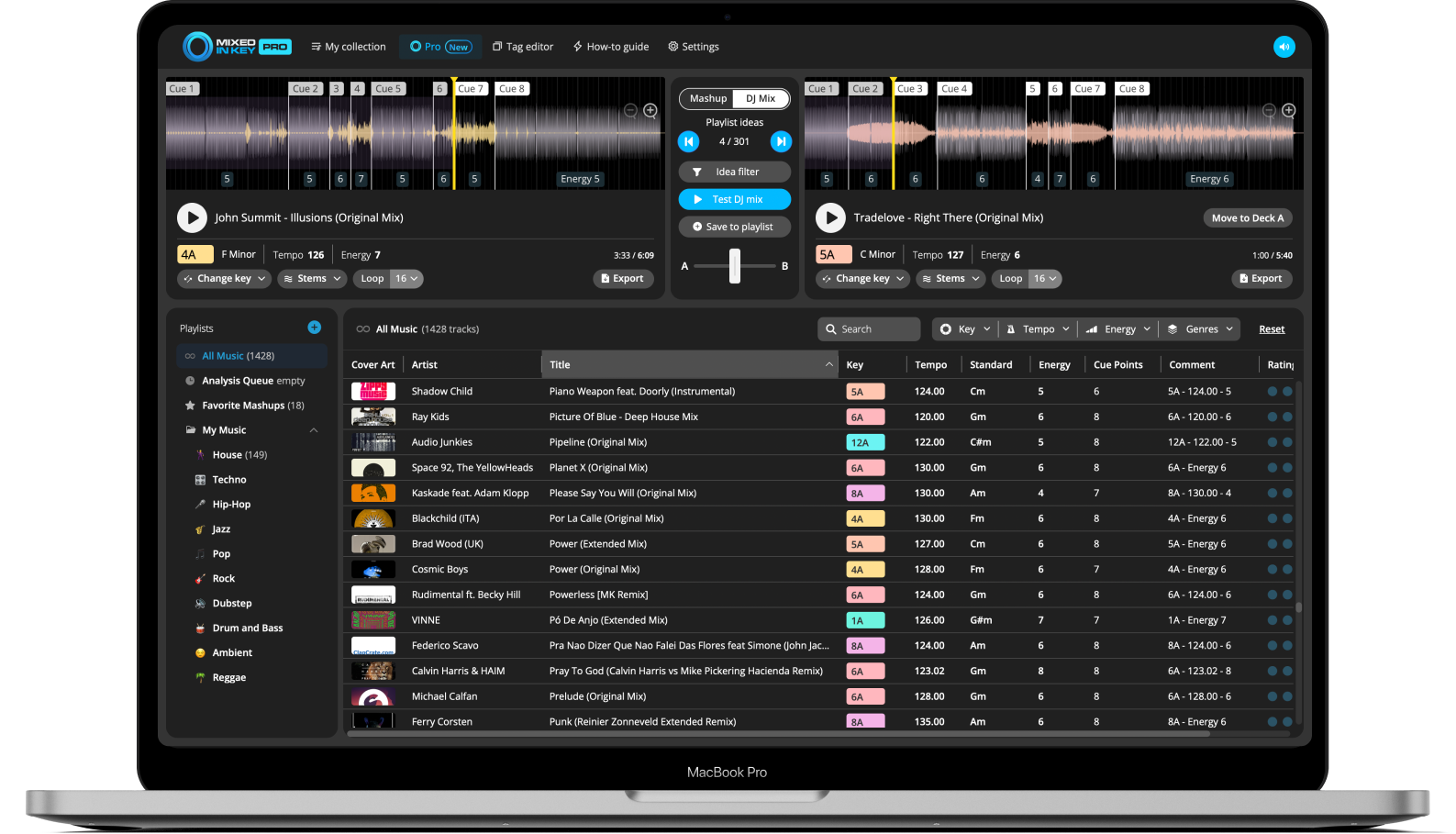
DJ Mix toggle

In DJ mix mode, receive track suggestions to help craft smooth transitions and build your next DJ set.

Tooltip icon

Test DJ Mix

Hit this button and both decks play in sync, letting you preview your DJ transitions in real-time. It’s a quick way to fine-tune your mix and plan your set for the next gig.

Tooltip icon

Add to Playlist

Click this button to add the song to your playlist. Keep your tracks organized for quick access when building your set.

Tooltip icon

Move to Deck A

Click to move the track from Deck B to Deck A, refreshing suggestions based on the current track.

Tooltip icon

Pitch Shift

Change the track’s key and get new mix suggestions that match.

Tooltip icon

Stems

Split the track into vocals and instrumentals for cleaner transitions and live mixes.

Tooltip icon

Looping

Loop any section to extend or tighten up your mix.

Mashup

Finish your playlists and mashups in DJ.Studio

Open your ideas directly from Mixed In Key. Tracks arrive beat-synced with key changes preserved, so you can focus on transitions, stems, and effects — then export MP3, WAV, FLAC, Video, or Ableton sets.

Trusted by the world-class artists

See what beloved DJs and producers have to say
about using Mixed In Key.

David Guetta
David Guetta

“I’ve been using harmonic mixing for many years, but I had to find the keys with a keyboard. Mixed In Key is as good, in less time. Magic!”

Kaskade
Kaskade

“Mixed In Key is a huge time saver! I use it for all my DJ mixes these days.”

Nicole Moudaber
Diplo

What do you love about Mixed In Key? “Everything.”

Armin Van Buuren
Armin van Buuren

“I’m a big fan of Mixed In Key. Keep up the good work!”

Armin is teaching DJs how to use Mixed In Key in his official MasterClass.

Mixed In Key integration

Automix with Camelot harmony and tempo; export your mix to YouTube, Mixcloud, Ableton or your drive.

MIK integration
  • Your MIK-analyzed tracks are instantly available
  • Automix by Key, BPM & Energy
  • Access your Mixed In Key library instantly
  • Export to Mixcloud, YouTube, files, or Ableton
  • Build the best transitions for each pair
  • VIP features when you own Mixed In Key

Choose your setup

Buy standalone apps — or get the complete workflow.

Mixed In Key 11 Pro

One-time purchase

Buy Mixed In Key 11 Pro

Includes

Key Detection & Energy

Cue Points

Mashup & Mix Ideas

DJ.Studio Pro + Stems

One-time purchase

Buy DJ.Studio Pro + Stems

Includes

Timeline mixing + FX

Stem Separation

Video & Ableton export

Bundle

Best Value

MIK 11 Pro + DJ.Studio Pro + Stems

Get the Bundle

You get everything

Perfect keys + Ideas (MIK)

Timeline mixing + Stems (DJS)

Video/Ableton exports

Other tools from Mixed In Key

Explore more software designed to improve your workflow.

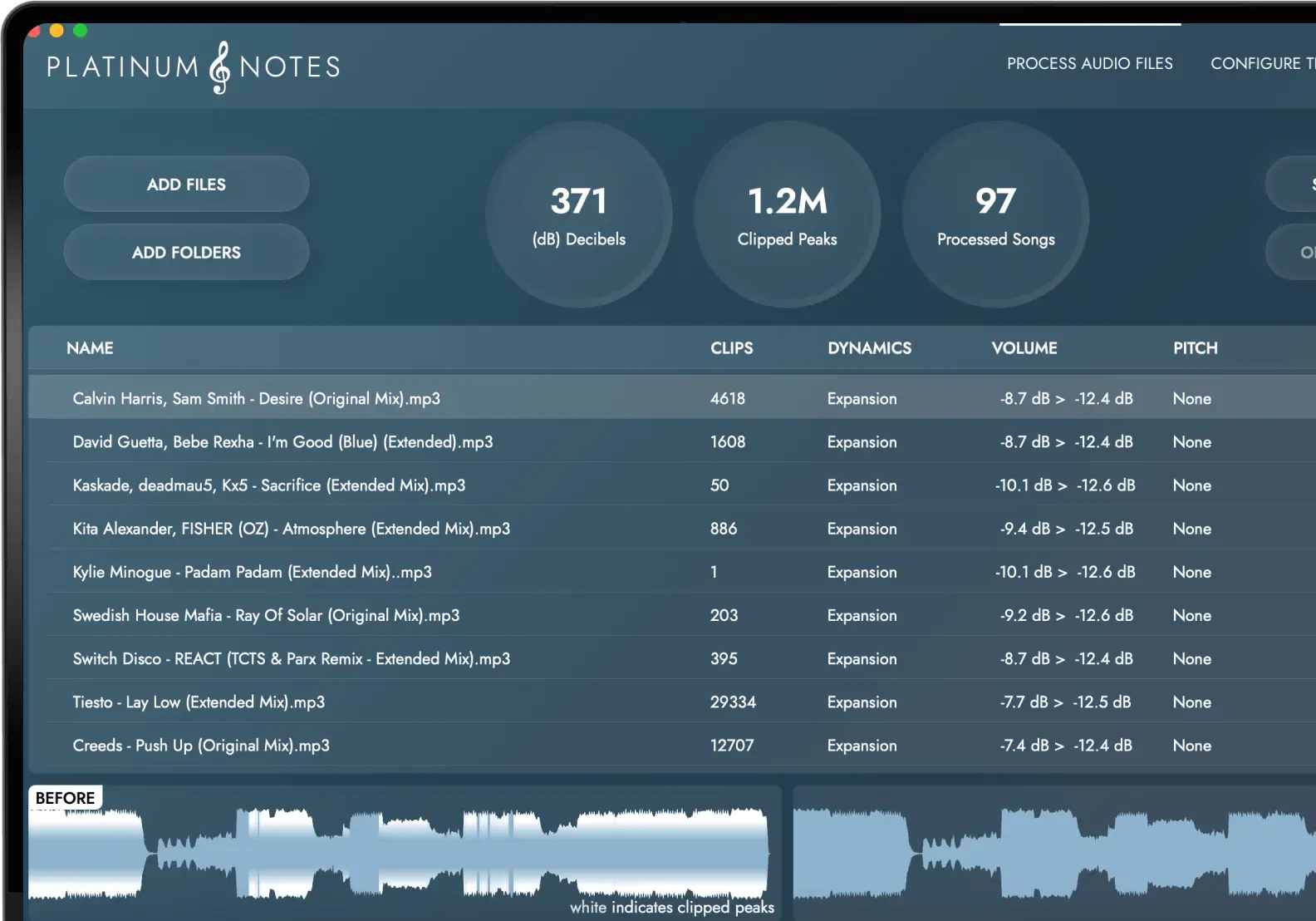
Platinum Notes

Improve your entire music collection, and make every file sound great.

Platinum Notes

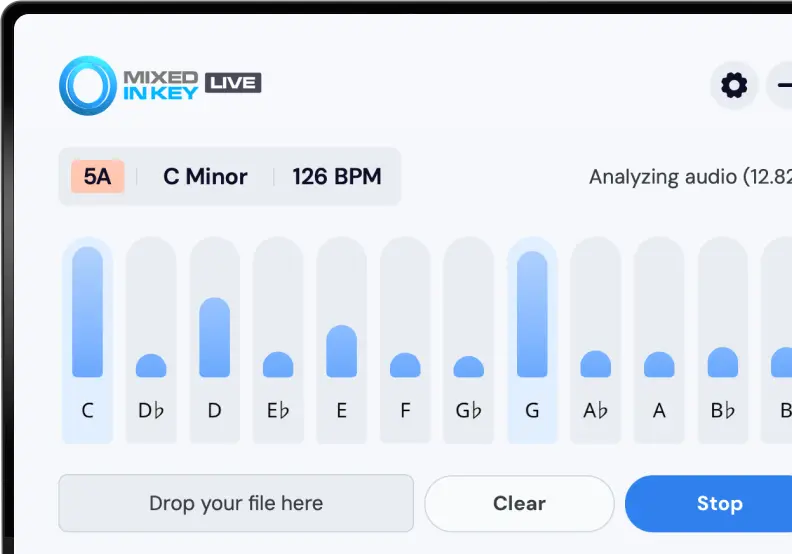
Mixed In Key: Live

See Key, BPM and exact notes of any audio you play on your Mac — instantly.

Live